From Twitter

Please wait while my tweets load

If you can't wait - jump to Twitter

See more tweets...

RSS Feeds

Receive a regular RSS feed from our latest, most popular and recommended downloads

Latest downloads feed

Get a regular RSS from our most latest downloads

Most popular downloads feed

Get a regular RSS from our most popular downloads

Recommended downloads feed

Get a regular RSS from our recommended downloads

Newsletter

Subscribe to either one of our two newsletters for regular updates and information

Downloads newsletter

This is a weekly newsletter with download news, updates and other information

This is a monthly newsletter with software store information, offers and deals

Auslogics Disk Defrag Pro 4.0.1.50

Keep your hard drive fully optimised with this professional defrag tool

by Mike Williams

Our Rating:
Your Rating:
Login to rate
Based on 1 ratings
License: Trial Software
Operating Systems: Windows 7 (32 bit), Windows 7 (64 bit), Windows Vista (32 bit), Windows Vista (64 bit), Windows XP
Requirements:


Languages: English
Software Cost: $14.95 (Windows)
Date Updated: 29 March 2012
Watchlist: Add download to my watchlist
Downloads To Date: 1089
Developer: Auslogics
RSS News Feed:
Twitter Feed: http://twitter.com/#!/auslogics
Facebook: https://www.facebook.com/Auslogics
Buy the brand new Auslogics Disk Defrag Pro 4, only $9.95, saving 67% from MSRP! Buy now, only from the Downloadcrew Software Store
Auslogics Disk Defrag Pro 4.0.1.50
Keep your hard drive fully optimised with this professional defrag tool

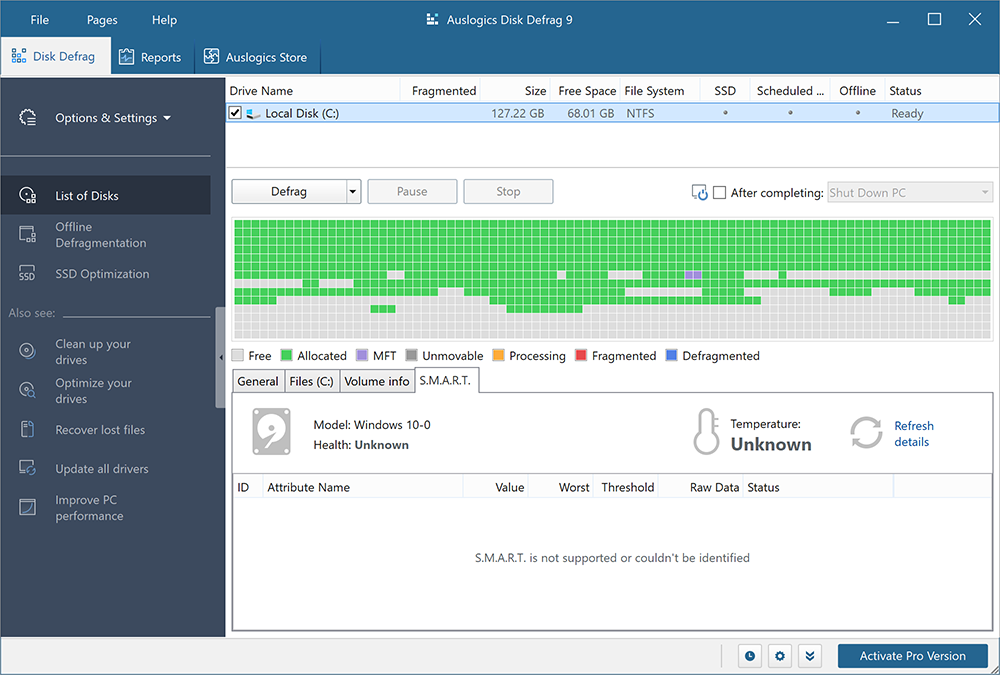
Auslogics Disk Defrag Pro 4.0 is a very powerful defrag tool which provides everything you'll need to keep your system running at peak performance.

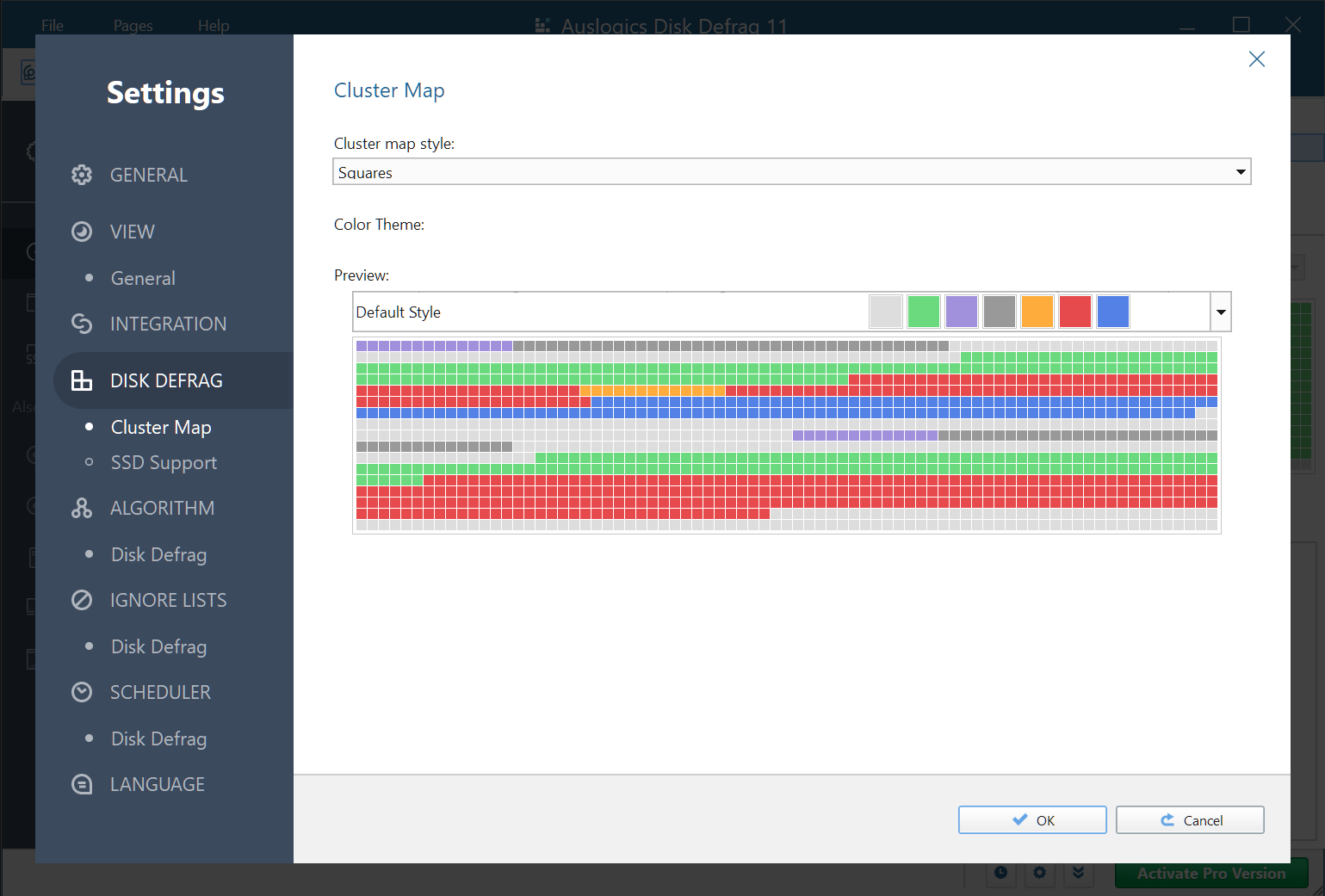
The program provides multiple defrag algorithms, for instance: it can optimise access according to file access time, modification time, Windows own prefetch layout, or you can even manually define which files you'd like written to the fastest part of your drive. While leaving a little free space after specified files also helps to reduce future fragmentation.

And there are even more ways to run a defrag job. So you might choose to defragment an individual file, a folder, or an entire partition; the program can run before Windows launches, enabling it to defrag system files which would otherwise be locked; a scheduler can run unattended defrags whenever you like, or you can even leave Disk Defrag Professional running in the background, so it can detect and eliminate fragmentation just as soon as it appears.

And if you're worried about the program slowing you down, then don't - it's not going to be a problem. In just a few clicks you can limit the maximum use Disk Defrag Professional will make of your CPU or hard drive. And you can tell the program not to run at all when a particularly demanding application is running, so if you launch your favourite games, say, you can be sure they'll get 100% of your system's resources.

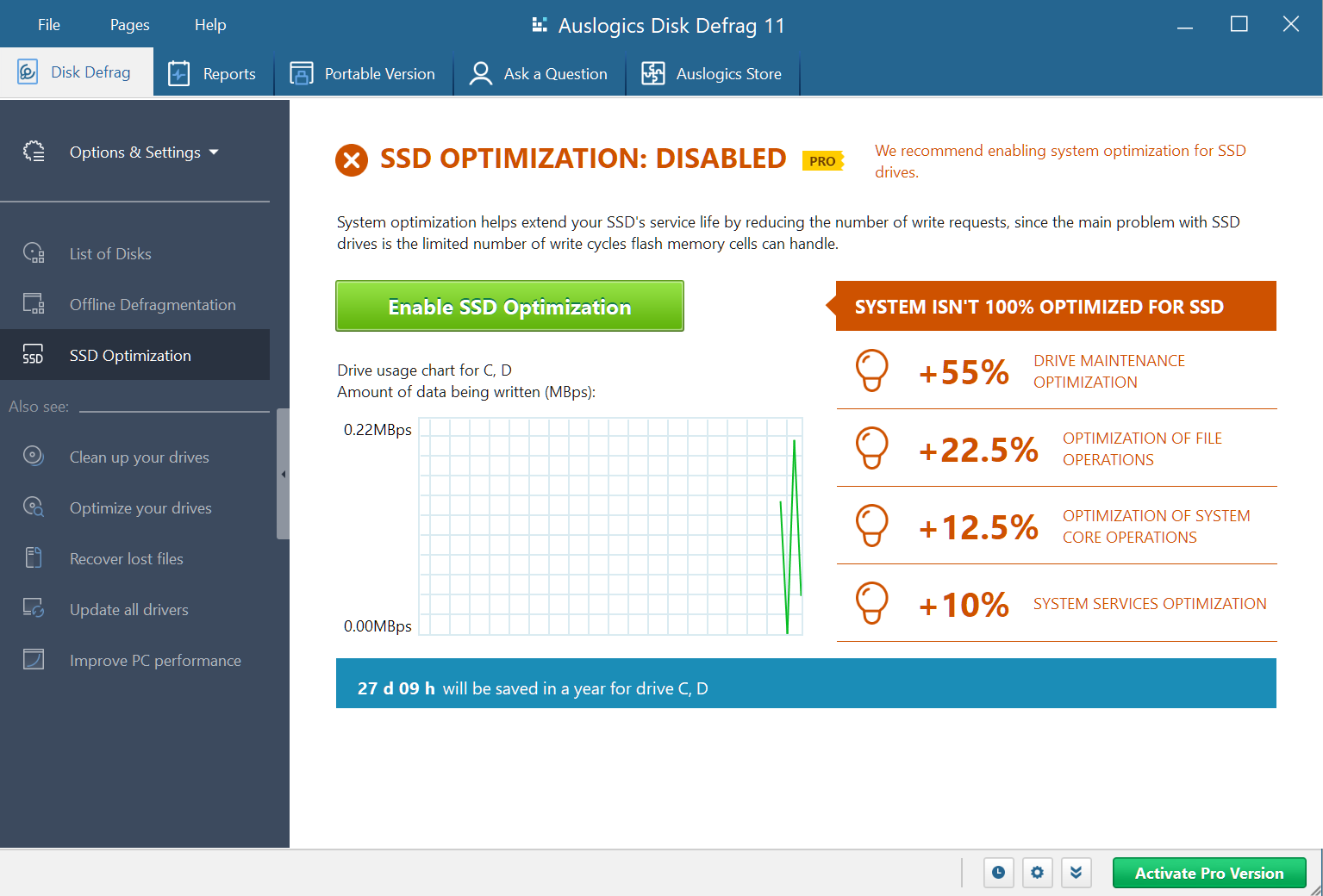
If you don't want to pay for the commercial version, then Auslogics also have a free build available, but unsurprisingly it's much less powerful. There's no choice of defrag algorithms, for instance. No boot-time defrag, or resource management. Scheduling is more basic, you don't get the program's fragmentation prevention mode, there are no detailed reports or performance charts, there's no special algorithms for SSD's - it's just far less capable.

So if you're in the market for a defrag tool then we'd recommend you install the trial version, if only for a while, just to get a feel for exactly what the program can do.

Build 4.0.1.50 brings these fixes/changes:

-added a context menu option that allows to show/hide columns to the list of disks
-added a context menu option that allows to show/hide columns to the list of fragmented files
-improved work with scheduled tasks in the defragmentation scheduling window
-improved functionality of the Offline Defragmentation scheduling window when working with disks that already have a task scheduled
-fixed bugs that occurred when manual and automatic defragmentation were running at the same time
-fixed bugs that affected the program when it was minimized to tray
-corrected Offline Defrag mode error caused by absence of paging file on disk
-improved information display during Offline Defragmentation
-now you can setup and save alignments of all lists in the application
-corrected error in Optimization by Disk Zone algorithm when user-entered file masks did not register
-corrected language file errors
-made improvements to installer
-fixed minor errors in the program and additional modules
-fixed all memory leaks and program freeze-ups

Verdict:

A truly excellent defrag tool which incorporates a host of advanced features, and gives you in-depth control over the defrag process, yet remains generally very easy to use.

Your Comments & Opinion
 
Related Download Articles
 
Auslogics Disk Defrag 3.4.3.0

Auslogics Disk Defrag 3.4.3.0

Free, for personal-use only

Keep your hard drive in top condition with this powerful disk defragmentation tool

Auslogics BoostSpeed 5.3.0.0

Auslogics BoostSpeed 5.3.0.0

Trial Software

Clean, optimise, tune and tweak your PC to deliver its best possible performance

O&O Defrag 15.5 Professional Edition (64-bit)

O&O Defrag 15.5.323 (64-bit)

Trial Software

Improve your PC's performance with this very configurable defrag tool

Paragon Partition Manager 11 Personal [32-bit]

Paragon Partition Manager 11 Personal (build 25.03.11)

Function Limited Demo

Create and manage partitions to create a multi-boot system, backup data or separate files from Windows.

Other Download Articles From This Category
HyperSnap

HyperSnap 7.16.01

Trial Software

Take and edit screen grabs from just about any Windows application

SUMo

SUMo 3.1.1

Freeware

Quickly discover which of your favourite programs have updates available

Toolwiz Care 2.0

Toolwiz Care 2.0.0.2600

Free, for personal-use only

Clean and optimise your system with this powerful suite

PNotes

PNotes 9.0.107

Freeware

Get yourself organised by recording reminders for all your most important tasks on virtual sticky notes

From Softwarecrew

Please wait while my feed loads

See more posts...

Our Price: $14.95
RRP: $29.95
Saving 50%
Buy Now More Info
Offer Ends In:
 

Spotlight: Free Full Software

Giveaway: WinISO Standard 6.1.0

Free Full Commercial Software

WinISO is a very comprehensive tool which provides everything you need to create, edit and convert disc images.

If you've an image file already, for instance (ISO, CUE/ BIN, NRG, MDF, CCD, IMG and DVD formats are supported) then you can open it in a click or two, browse the image contents, and extract the files you need with a quick drag and drop.

It's just as easy to create new ISO9660, UDF, even HFS+ images. Just choose the option you need, then either manually build up your preferred file and folder structure; drag and drop your files and folders from Explorer onto the program; or create an image directly from a CD, DVD or Blu-ray disc.

Of course you can edit images, too. Is an ISO file too large for your needs, say? Open it up, locate and remove any surplus files to free up a little space.

WinISO program has full support for reading and creating bootable image files. A simple conversion tool makes it easy to convert disc images into the format you need. And the program can even mount ISO files as Explorer files, or burn images to disc when you're ready to save them.

Please note, this trial version of WinISO Standard will not save files greater than 500MB in size.

Giveaway: on Wednesday, we're giving you the full current version of WinISO Standard 6 worth $29.95. The download link here will take you to Downloadcrew Giveaway.

[...]
Time Remaining: