


The art of drive partitioning – carving up a single physical disk into two or more 'virtual' drives known as partitions – is long established among Windows users. Indeed, Windows’ own Disk Management tool offers basic tools for partitioning drives into multiple parts, so why bother with a third party?
A quick run through EaseUS Partition Master’s feature list reveals why, but a key reason is that – unlike Windows’ rudimentary partitioning tool – Partition Master can move all data, including supposedly 'unmovable' files, to allow you to use all available free space for partitioning.
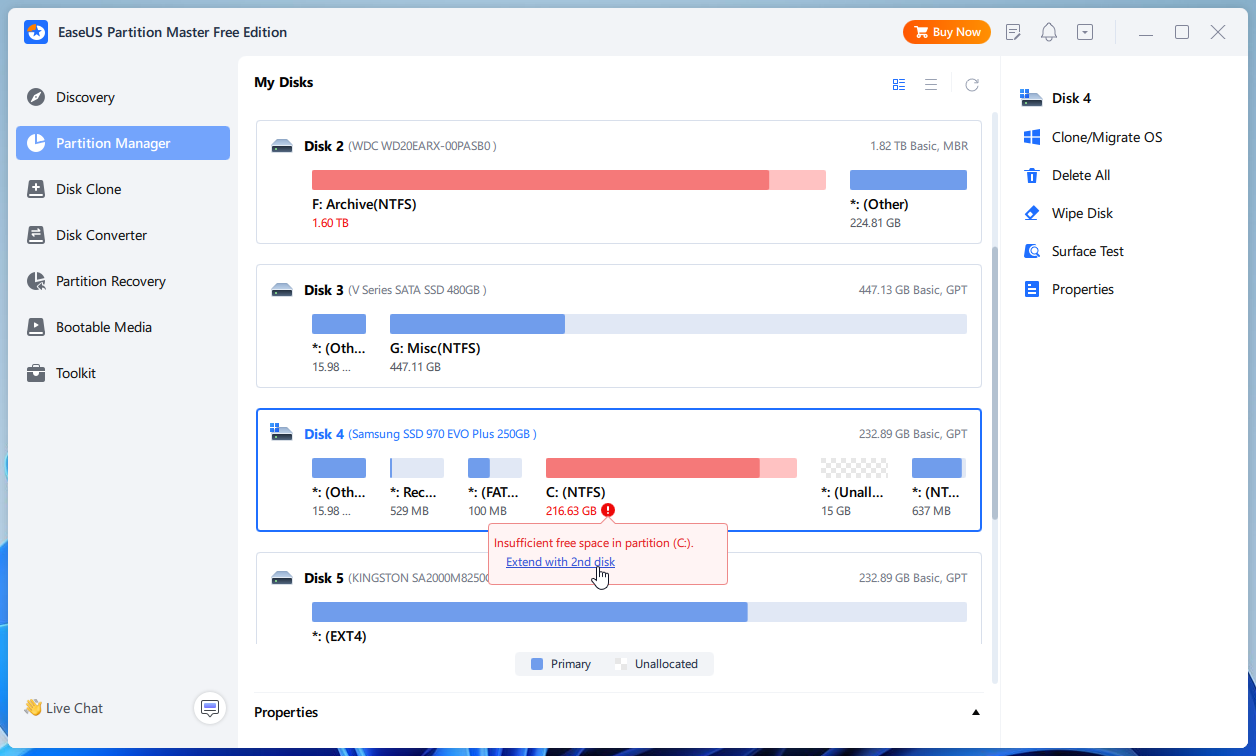
Partition Master opens to display all physical hard drives and their current partitions in bar chart form, providing a clear visual indication of what partitions exist, how large they are and how much free space you have to play with.
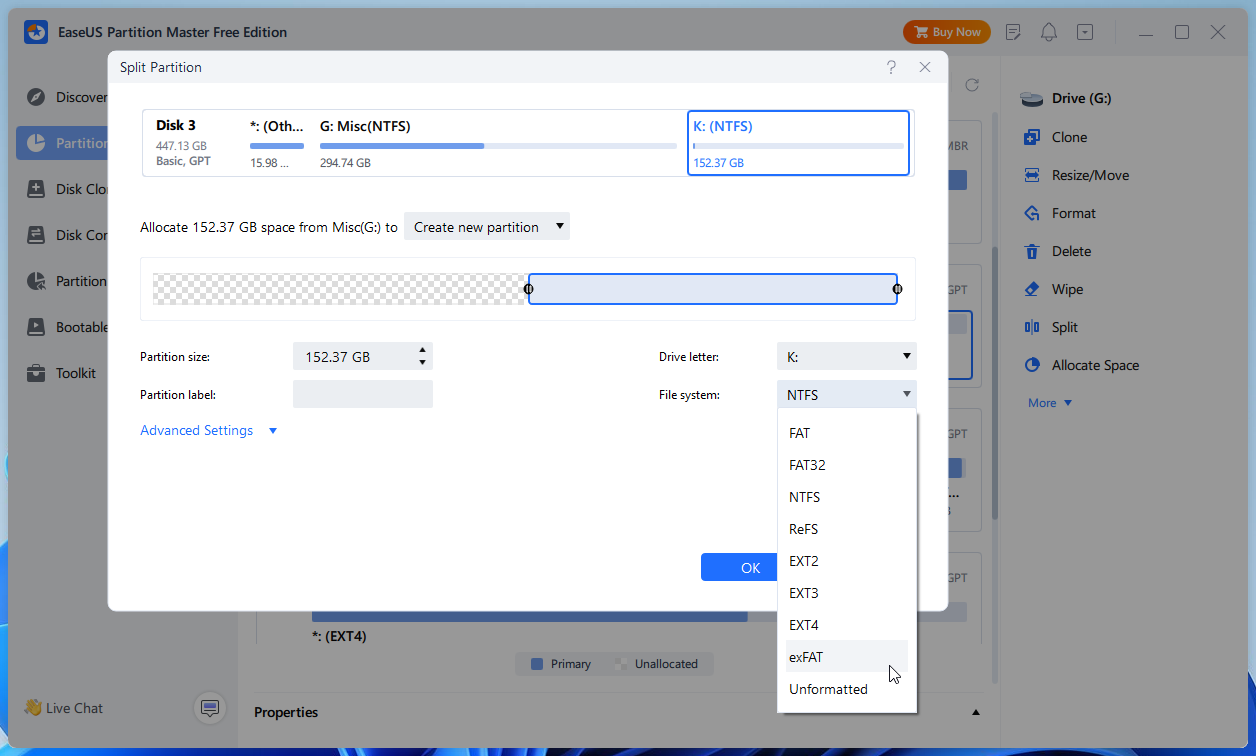
The program can do practically anything to a partition: destructive options include creating new partitions, deleting existing ones and formatting them, while non-destructive options make it possible to both resize, move, split and even merge partitions.
Select a disk or partition by clicking it, and you’ll see the menu of options on the right change depending on your selection. Each wizard makes it very clear what’s happening, and through a series of sliders and dropdown menus you can quickly determine how to partition your drive.
Once you’ve made your selection and clicked OK, the action isn’t performed immediately; instead it’s placed into a queue allowing you to review tasks or queue up multiple partitioning jobs before clicking the Execute button. If necessary, Partition Master will reboot to complete the task.
You’ll also see an option called ‘Bootable Media'. In rare circumstances, partitioning can render your system unbootable, so be sure to create the emergency boot media, which can be stored on a hidden partition or on USB flash drive to allow you to access Partition Master outside of Windows.
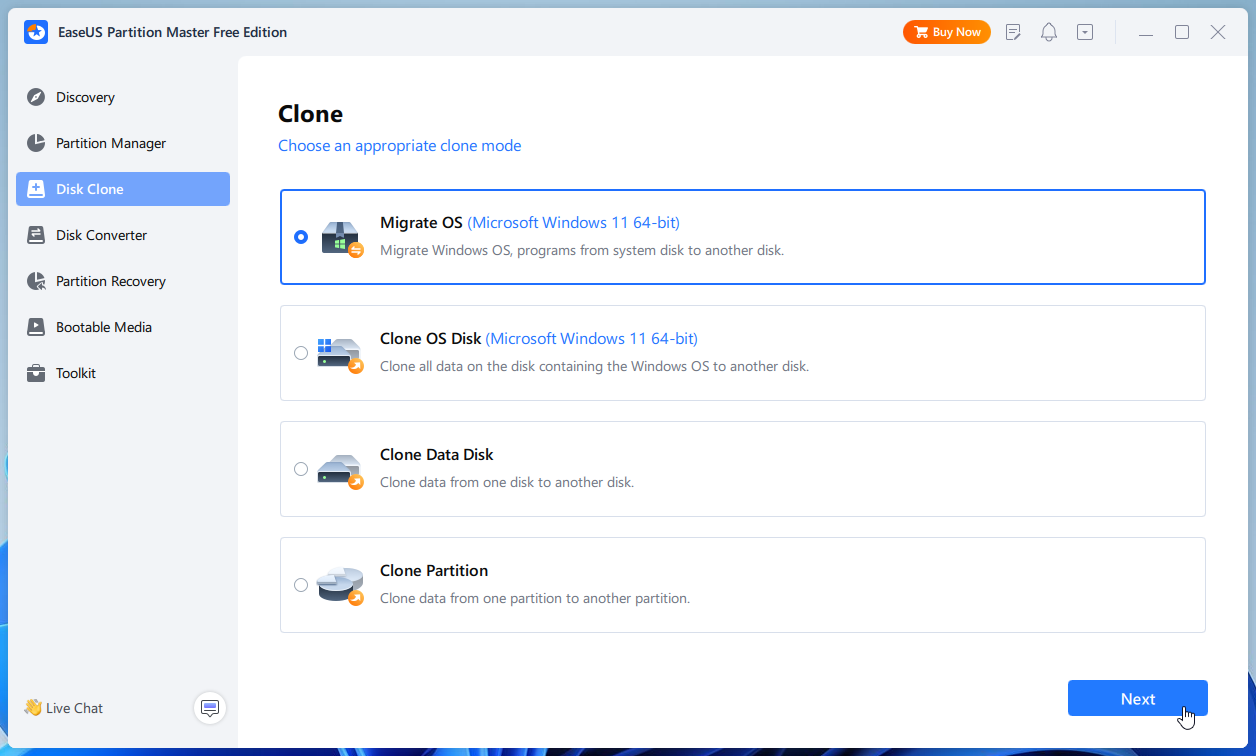
Upgrade to Partition Master Pro, and you gain even more useful features, including the ability to recover lost or accidentally deleted partitions, convert from GPT back to MBR, move an existing OS to a new hard drive – such as a faster SSD or NVMe boot drive – and even convert file systems (FAT to NTFS and vice versa).
Verdict:
A powerful partitioning tool that offers a lot for a free product. Upgrade to Partition Master Pro for the full set of features.
Your Comments & Opinion
Quickly create, delete, resize and even copy a partition using this drive tool
Use this simple, but fully-featured drive partitioning software to add, resize or delete partitions from your computer or external drive
An advanced partitioning tool that places you firmly in control of your hard drives
A powerful boot manager that makes it easy to work with multiple operating systems
A straightforward partition manager
Recover, resize and manage partitions outside of Windows
A notepad/ to-do tool with cloud sync
Run software in an isolated environment to prevent it from making changes to your system
Are your drivers up-to-date? Here's how to find out
More powerful replacement for Windows' built in program removal tool
Monitor your PC's temperature, voltages, CPU frequency and more with this powerful stability checker