
From Twitter

Please wait while my tweets load

If you can't wait - jump to Twitter

See more tweets...

RSS Feeds

Receive a regular RSS feed from our latest, most popular and recommended downloads

Latest downloads feed

Get a regular RSS from our most latest downloads

Most popular downloads feed

Get a regular RSS from our most popular downloads

Recommended downloads feed

Get a regular RSS from our recommended downloads

Newsletter

Subscribe to either one of our two newsletters for regular updates and information

Downloads newsletter

This is a weekly newsletter with download news, updates and other information

This is a monthly newsletter with software store information, offers and deals

GIMP 2.8.0 FINAL

GIMP is a free image editor which offers a real alternative to the likes of Photoshop

by Mark Wilson

Our Rating:
Your Rating:
Login to rate
Based on 2 ratings
License: Freeware
Operating Systems: Linux, Mac OS X, Windows 2000, Windows 7 (32 bit), Windows 7 (64 bit), Windows Vista (32 bit), Windows Vista (64 bit), Windows XP
Requirements:


Languages: English
Software Cost: Free
Date Updated: 06 May 2012
Watchlist: Add download to my watchlist
Downloads To Date: 2437
Developer: GIMP Development Team
RSS News Feed:
Buy TuneUp Utilities 2012 for only $18.99, with lifetime license, saving 62% from MSRP, only from store.downloadcrew.com
GIMP 2.8
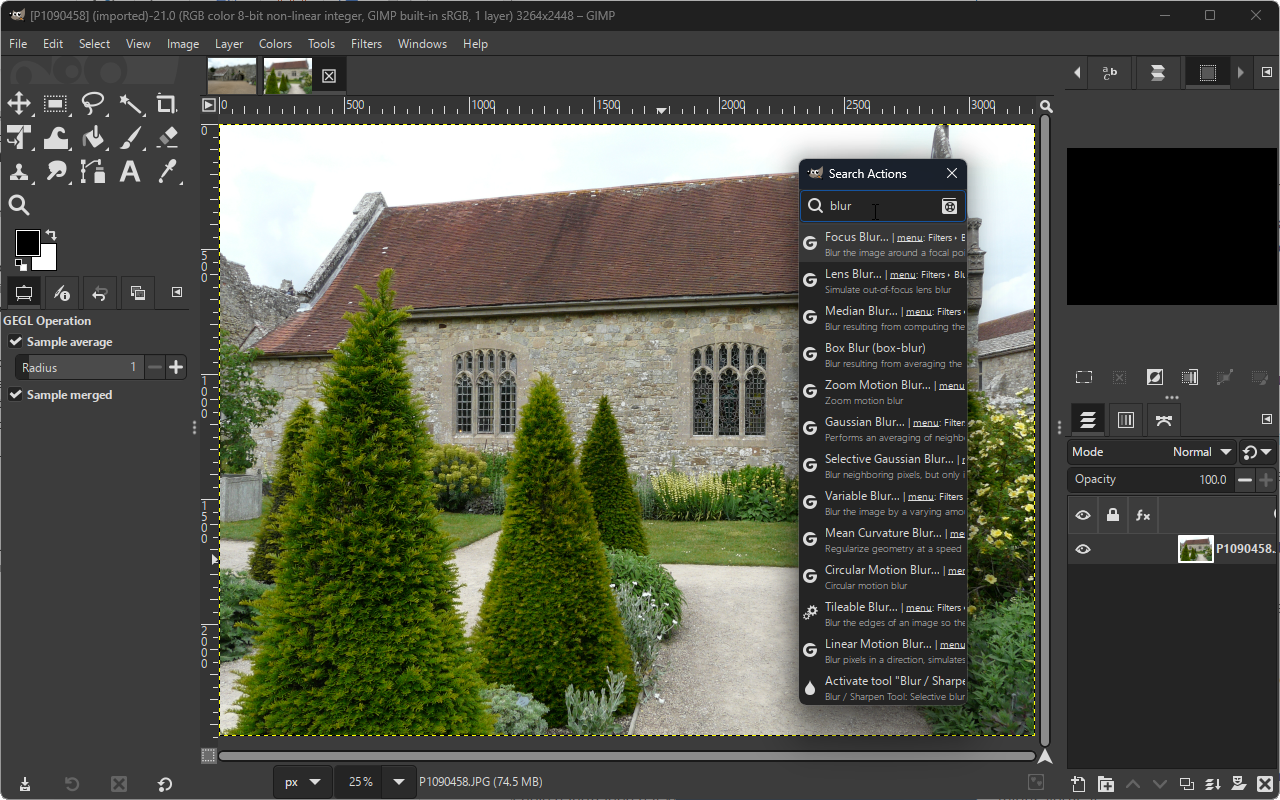
GIMP includes such a wide selection of image editing options it can be put to a wide variety of uses

Image editors are ten-a-penny nowadays, so anything which wants attention from a divided audience needs to offer something quite special. GIMP (or the GNU Image Manipulation Program) is one of the most powerful free image editors available, and is frequently described as being a free alternative to the likes of Photoshop.

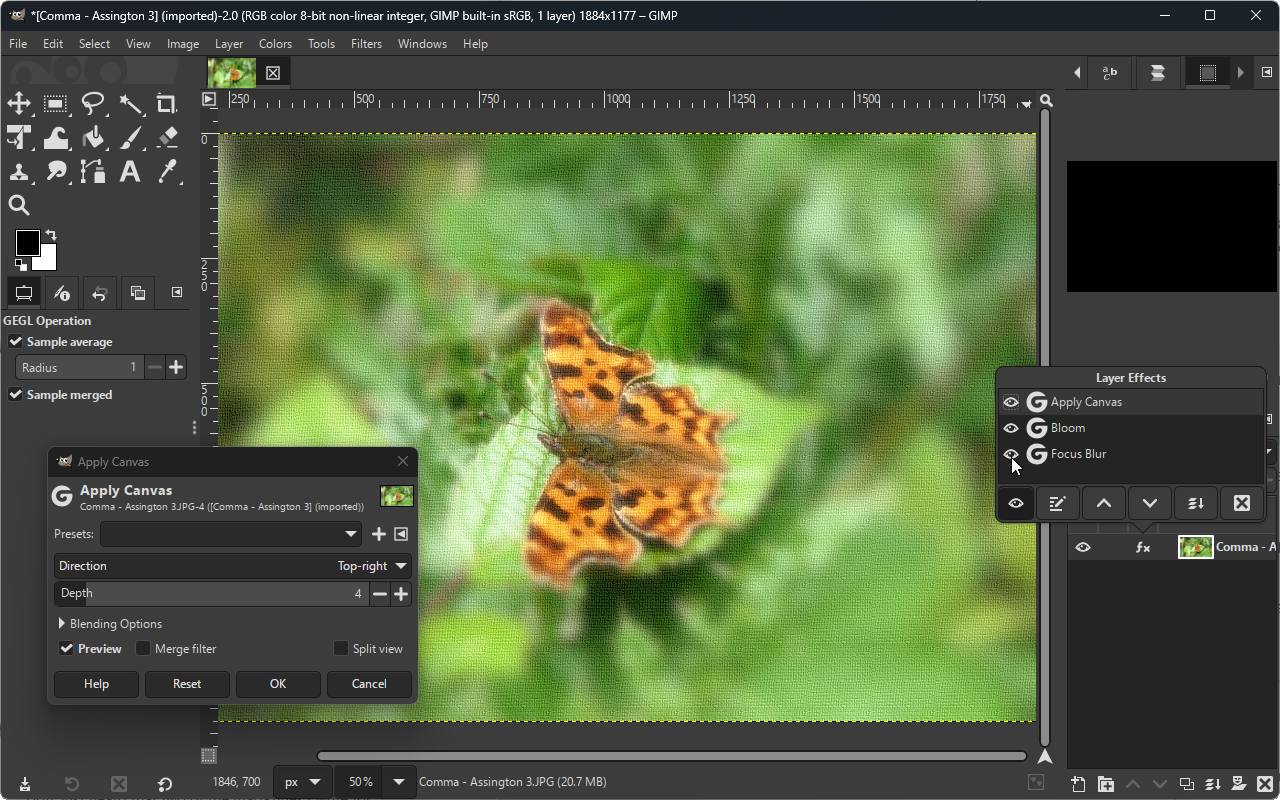
This is a highly versatile tool which can be used as a basic drawing program, but can also be employed to edit digital photographs to a professional level. Despite being free of charge, opting to use GIMP does not mean having to compromise on features. Layers, masks, channels, filters and special effects, in addition to the usual range of editing tools, are all on hand to make image editing as easy as possible.

Powerful tools such as the correction mode which allows for the correction of barrel distortion and perspective problems are usually only found in expensive packages, but are included here for anyone to try out. Whether you are an amateur digital photographer, or a professional graphic artist, GIMP has something to offer you.

Anyone who has tried the program in the past will be pleased to see that GIMP is now a single file installation - there is no longer any need to install special libraries in advance. The program interface may take a little getting used to for some, featuring various floating panels rather than a single program window, but after this shallow learning curve, the program becomes joy to use.

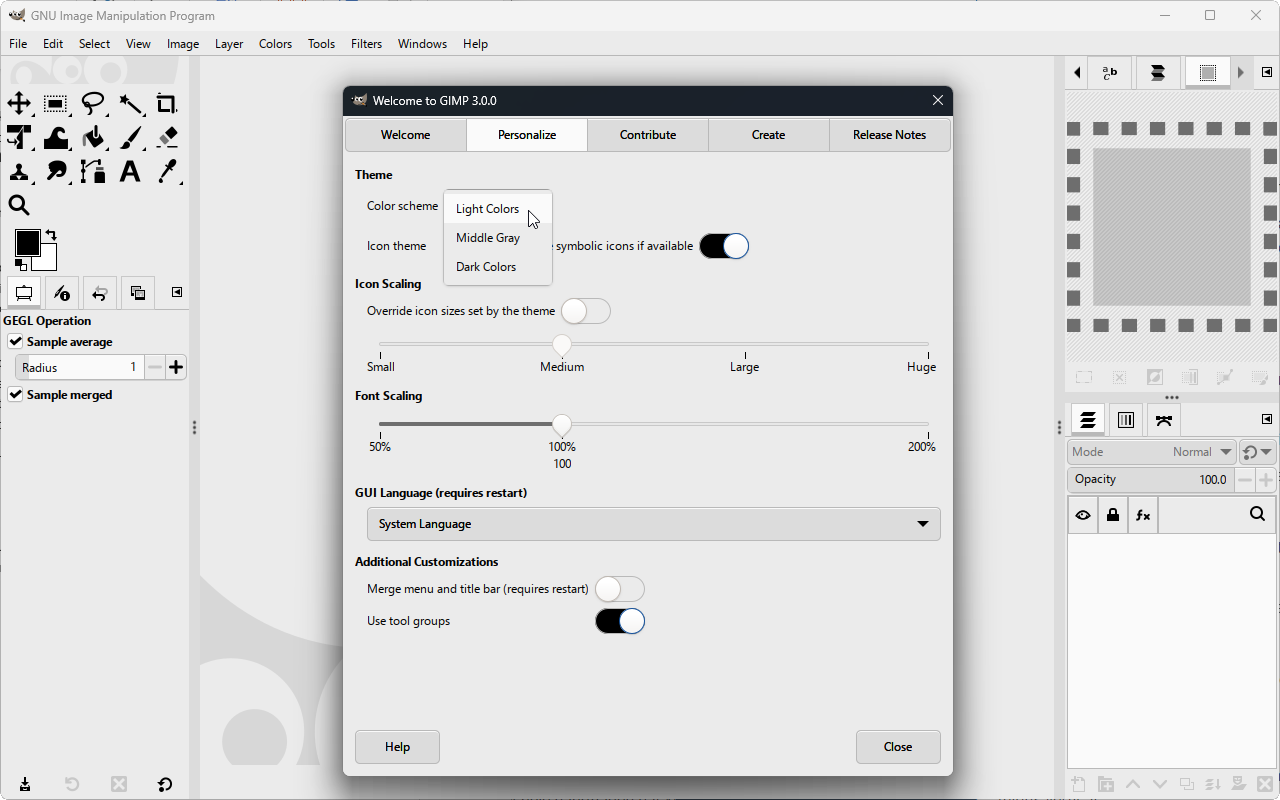
GIMP 2.8 is a huge upgrade with a ton of new features. For instance, you now get a single window mode, multi-dock windows, enhanced exporting, layer groups and much more. See the 2.8 Release Notes for more info.

Verdict:

An endlessly powerful image editor that can be continually extended through the use of plugins.

Your Comments & Opinion
 
Related Download Articles
 
FastStone Image Viewer

FastStone Image Viewer 4.6

Free, for personal-use only

View, edit and convert your image collection quickly and easily with this powerful tool

Paint.NET

Paint.NET 3.5.10

Freeware

Free powerful image editor which puts some commercial software to shame

GIMP Portable

GIMP Portable 2.8.0 rev.4

Freeware

GIMP is a free image editor which offers a real alternative to the likes of Photoshop

GIMPshop for Windows

GIMPshop 2.6.11

Open Source

Get the raw power of GIMP wrapped up in a more user-friendly interface 

Other Download Articles From This Category
Plex Media Center for Windows

Plex Media Center 0.9.5.3

Freeware

Access your Plex Media Server content from your PC or Mac 

Ubiquitous Player

Ubiquitous Player 5.1

Free, for personal-use only

Personal information management, media playing, image editing, Ubiquitous Player tries to be everything to everyone

Pixelmator

Pixelmator 2.0.4

Trial Software

A powerful image editor available for a fraction of the cost of the competition

EMDB 1.48

EMDB 1.48

Freeware

Keep track of even the largest movie collection with this powerful database

From Softwarecrew

Please wait while my feed loads

See more posts...

Our Price: $14.95
RRP: $29.95
Saving 50%
Buy Now More Info
Offer Ends In:
 

Spotlight: Free Full Software

Giveaway: WinISO Standard 6.1.0

Free Full Commercial Software

WinISO is a very comprehensive tool which provides everything you need to create, edit and convert disc images.

If you've an image file already, for instance (ISO, CUE/ BIN, NRG, MDF, CCD, IMG and DVD formats are supported) then you can open it in a click or two, browse the image contents, and extract the files you need with a quick drag and drop.

It's just as easy to create new ISO9660, UDF, even HFS+ images. Just choose the option you need, then either manually build up your preferred file and folder structure; drag and drop your files and folders from Explorer onto the program; or create an image directly from a CD, DVD or Blu-ray disc.

Of course you can edit images, too. Is an ISO file too large for your needs, say? Open it up, locate and remove any surplus files to free up a little space.

WinISO program has full support for reading and creating bootable image files. A simple conversion tool makes it easy to convert disc images into the format you need. And the program can even mount ISO files as Explorer files, or burn images to disc when you're ready to save them.

Please note, this trial version of WinISO Standard will not save files greater than 500MB in size.

Giveaway: on Wednesday, we're giving you the full current version of WinISO Standard 6 worth $29.95. The download link here will take you to Downloadcrew Giveaway.

[...]
Time Remaining: