



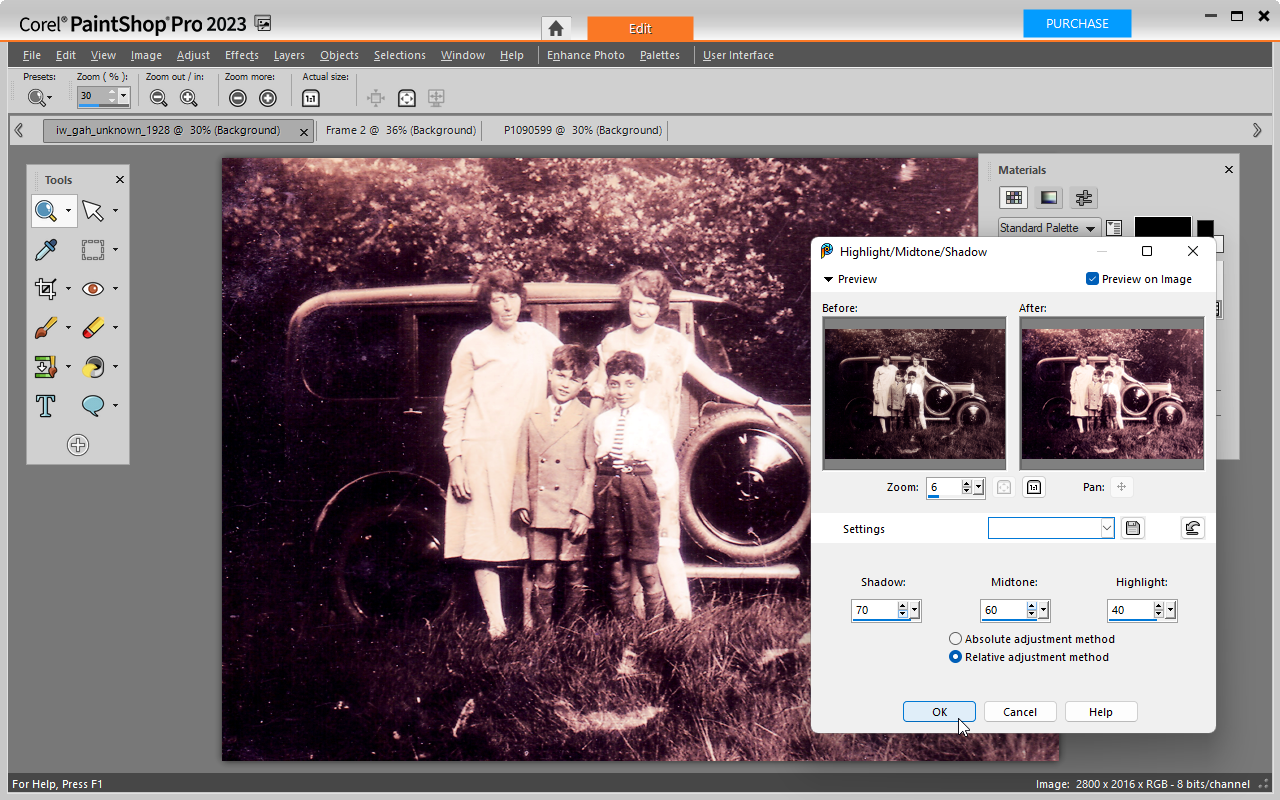
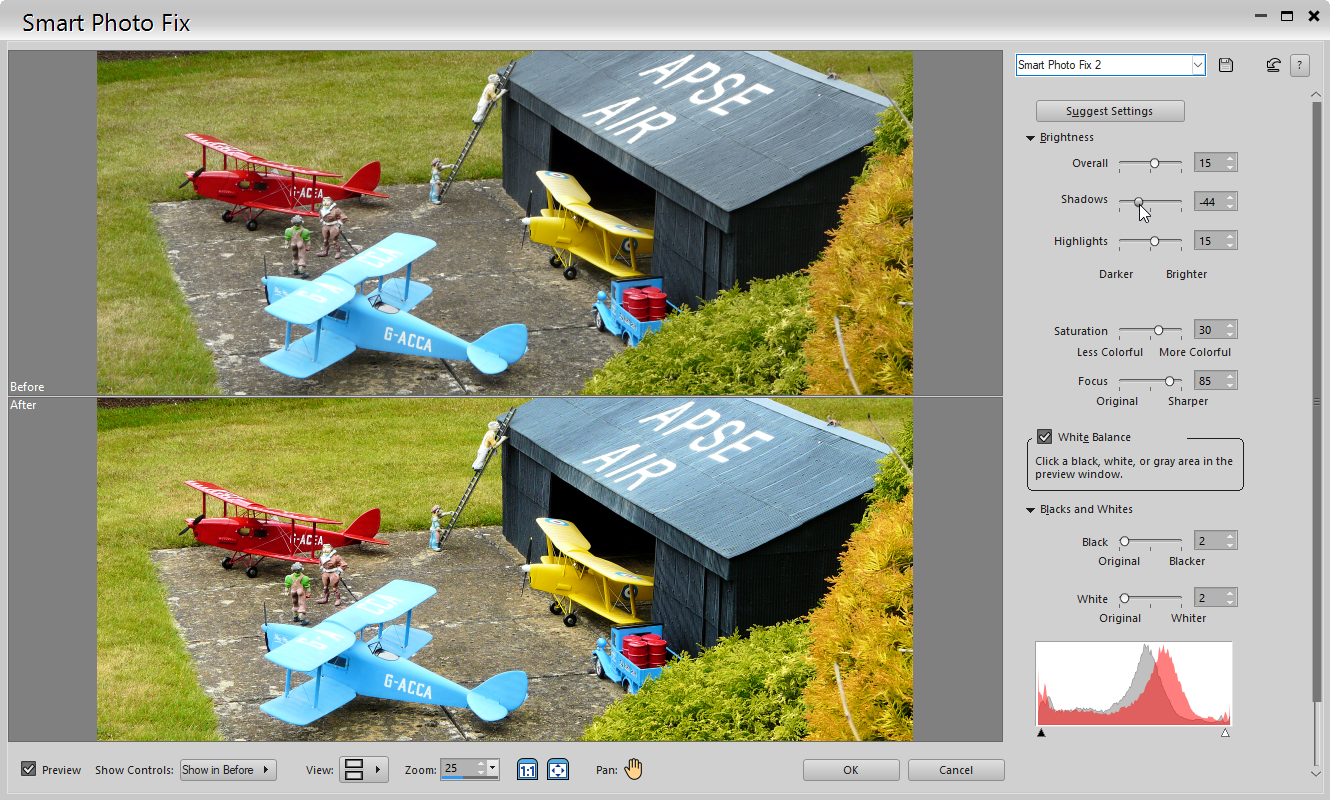
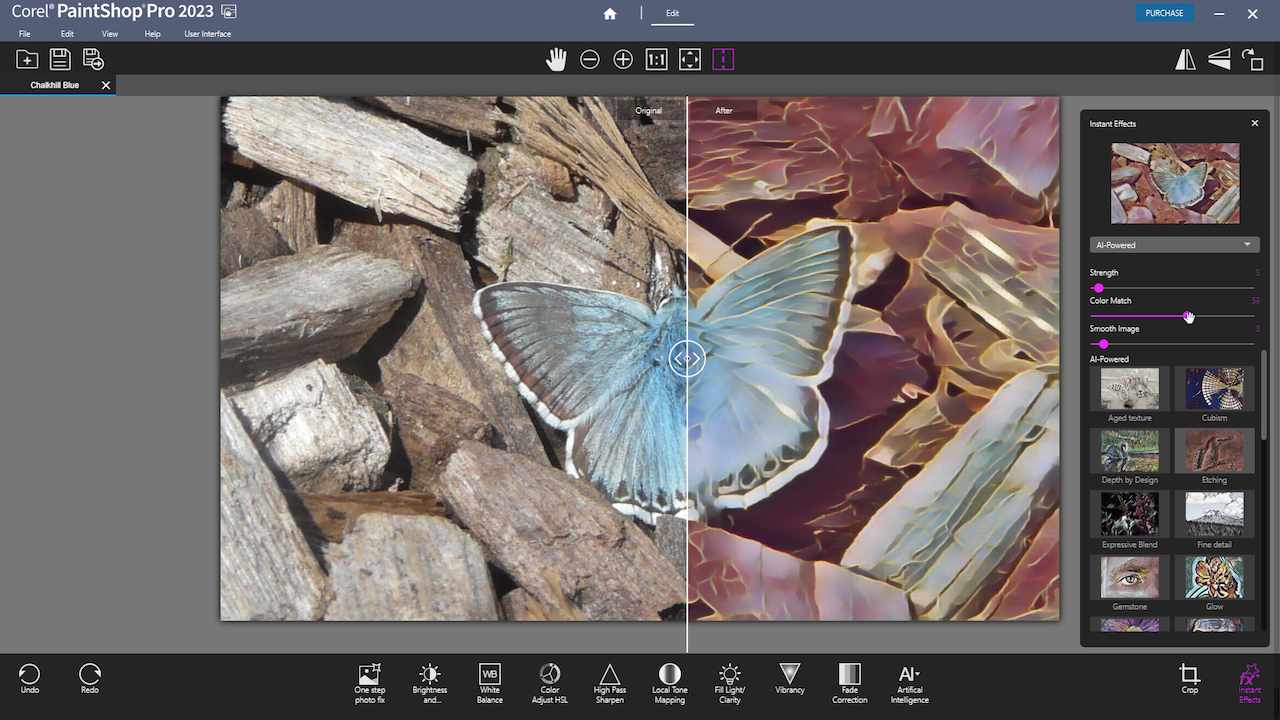
Where does one start with Paintshop Pro? It’s been a part of PC image editing for so long it feels like part of the furniture, but to think it’s long in the tooth does this powerful photo editor a major disservice, because one look at its current edition reveals it to be anything but.
The key thing to realise about Paintshop Pro is that it’s a viable – and more affordable – alternative to Photoshop. You get most of the latter’s features – including raster and vector graphics as well as support for layers – at a fraction of the cost thanks to the fact you pay once for the software as opposed to forking out a monthly subscription.
PaintShop Pro will be familiar to anyone who’s used an image editor over the years, and covers all the photo-editing bases you need. In recent years it’s embraced AI technology in a sensible way – for example, making it easy to select parts of an image to edit or replace. Popular tweaks, such as replacing the sky or removing unwanted noise and objects, are all covered as the app keeps pace with its rivals to ensure PSP users don’t get left behind.
Photo editing apps can take time to get used to, which is why Paintshop Pro also scores points for offering a handy welcome screen that can be tailored to your level of experience to reveal tutorials to cover everything from starting out with the program to offering a choice of three workspaces: Photography is designed for quickly fixing and applying effects to images, while Essentials offers the core tools found in most image-editing tools. Finally, the Complete workspace grants access to all available tools, and will appeal to those familiar with older versions of the app.
The 2023 version offers three new tools, including a dedicated AfterShot Lab workspace for RAW files, plus Focus Stacking (combine multiple photos taken at different focus points to create an image that’s completely sharp) and Snap to Objects, which will appeal to those using Paintshop Pro to work with vector graphics.
Verdict:
A solid upgrade continues to add more professional features to this versatile image editing suite. Good value for what you get, too.
Your Comments & Opinion
www.downloadcrew.com reply:
We don't re-write every single review, every time there's an update :)
We do for some apps, but it's not financially possible to re-write a review. The download is clearly for X4. The article/review was for X3 and may be updated at a later date.
Remember with download sites, the important point is to get apps online quickly. If we had to re-write every review, each time a product was updated, we wouldn't be able to keep up. We assumed people would realise this themselves.
View, edit and convert your image collection quickly and easily with this powerful tool
Fix and enhance your favourite digital photos with this easy-to-use graphics editor
The power of the industry-standard Photoshop meets the convenience and portability of your iPad
A powerful and free set of Photoshop plugins
Enhance your favourite digital photos with this powerful image editor
A free and accessible video that doesn't scrimp on features
A complex, but very powerful 3D graphics tool
A complex, but very powerful 3D graphics tool
A complex, but very powerful 3D graphics tool
Enjoy digital and internet TV and radio with this one-stop entertainment system