
From Twitter

Please wait while my tweets load

If you can't wait - jump to Twitter

See more tweets...

RSS Feed

Please wait while my feed loads

See more posts...

Newsletter

Subscribe to either one of our two newsletters for regular updates and information

Downloads newsletter

This is a weekly newsletter with download news, updates and other information

This is a monthly newsletter with software store information, offers and deals

iolo System Mechanic 11.7

Speed up, optimise and repair your computer with this all-in-one PC maintenance and tweaking tool

by Mike Williams

Our Rating:
Your Rating:
Login to rate
Based on 6 ratings
License: Trial Software
Operating Systems: Windows 7 (32 bit), Windows 7 (64 bit), Windows 8, Windows Vista (32 bit), Windows Vista (64 bit), Windows XP
Requirements:


Languages: English, Dutch, French, German, Italian, Spanish
Software Cost: $34.95 (Windows)
Date Updated: 27 March 2013
Watchlist: Add download to my watchlist
Downloads To Date: 9386
Developer: iolo
RSS News Feed: http://www.iolo.com/rss/system-mechanic-articles.rss
Twitter Feed: http://twitter.com/iolo_tech
Buy iolo System Mechanic 11.7 for only $24.95, with a Whole Home license, saving 50% from MSRP, only from store.downloadcrew.com
iolo System Mechanic 11.7
Speed up, optimise and repair your computer

System Mechanic 11.5 is an amazingly comprehensive tool that provides everything you'll need to clean and speed up your PC, fix system problems and protect your privacy.

If your PC isn't performing, for instance, then System Mechanic will help you defragment your hard drive; optimise your Internet connection settings for faster downloads; defragment and compact the Registry; optimise the boot process by removing unnecessary startup programs, and get a temporary performance boost by closing down selected background processes.

And each of these functions in turn delivers far more than you might expect. So you don't just get a defrag module, for instance: System Mechanic 11.5 also uses the Program Accelerator, optimising applications by grouping related files together; enhanced AcceleWrite technology helps to improve the efficiency of your drives; and the SSD Accelerator keeps solid state drives running at their peak performance.

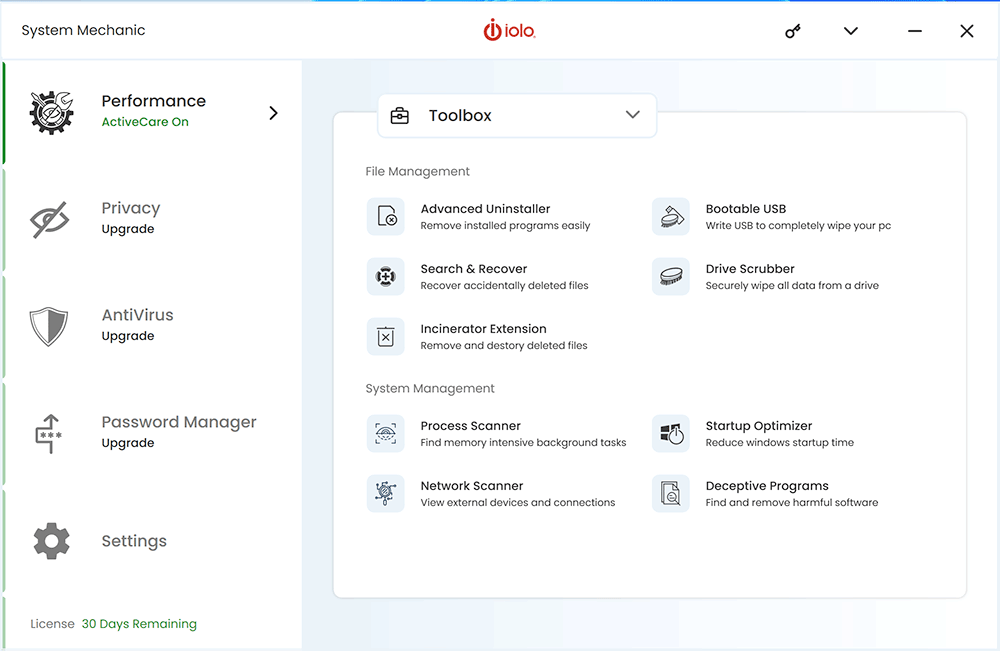
And it's the same across the suite, with powerful features and functionality everywhere you look. There are tools here to defragment and compact the Registry; repair hard drive problems; enhance system security, locate unnecessary duplicate files, or recover from disaster if Windows won't boot. A Windows tweaking tool provided easy access to more than 100 key Windows settings, an Advanced Uninstaller completely removes apps to free up hard drive space - and you could still create a very capable maintenance suite from the other tools that we haven't had space to mention.

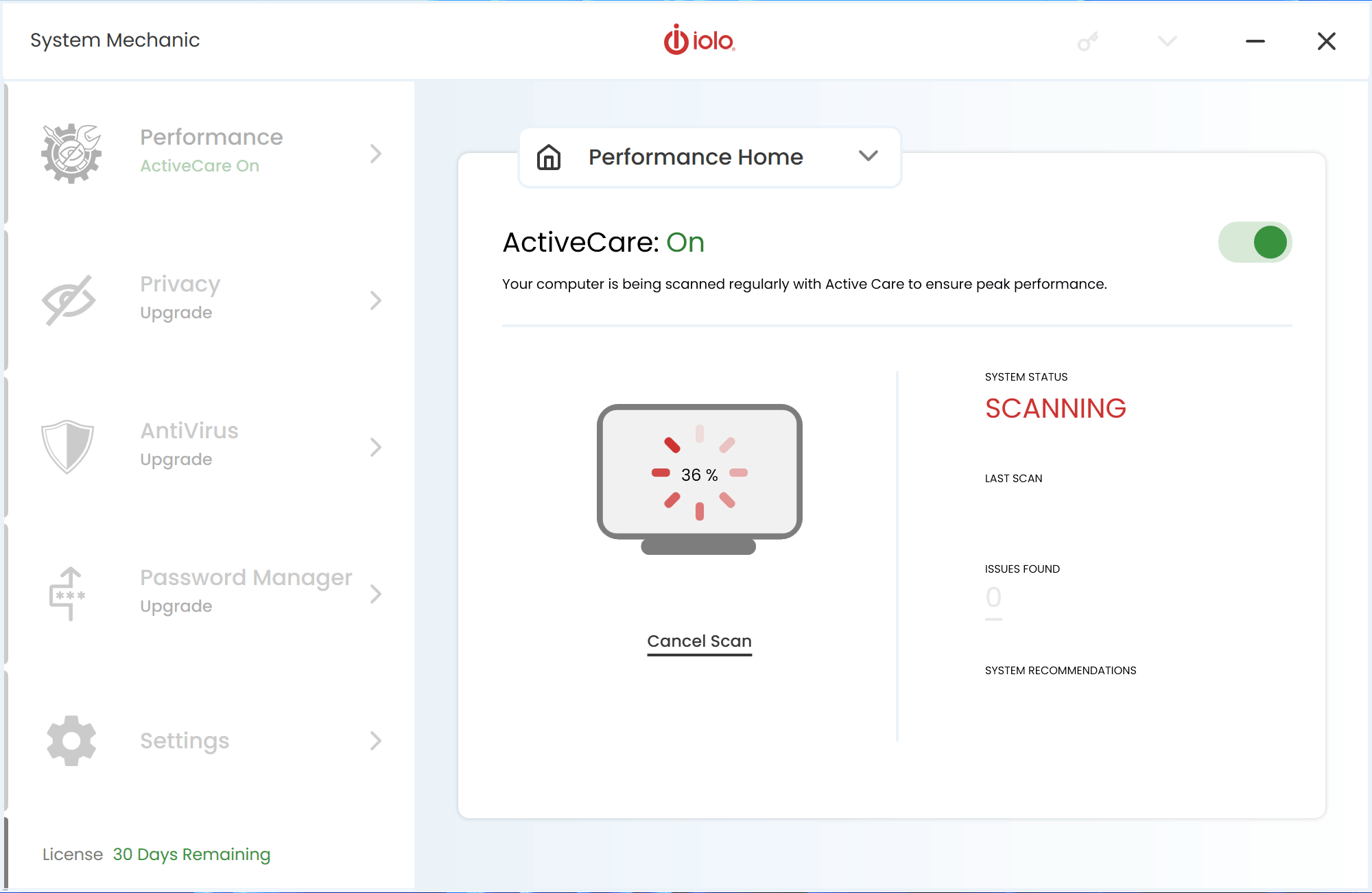
All this power doesn't make the program difficult to use, though. We launched a single scan of our test PC, for example, and within minutes it uncovered 27 security flaws, 3,314 Registry problems, 885MB of junk files, 3 unnecessary Startup programs, 22 broken shortcuts, 9 potentially unnecessary applications and 3 outdated drivers. If you're the hands-on type you can zoom in on any area to take manual control - find out which drivers need updating, make individual decisions yourself - but if you prefer the simpler life then you can just click "Repair All" and sit back as System Mechanic fixes everything, all on its own.

And even if you do start to investigate a particular performance area yourself, there's plenty of help and assistance on offer. Take Windows Startup programs, for instance. Most similar suites just list those installed on your PC and let you decide what to remove. System Mechanic 11.5 details the performance impact of each program, where possible, so you can see which might be sapping your resources. And if you're still not sure then it shows you what other System Mechanic users do, making it easy to pick out which programs should stay, and which should really go.

Whether you're a Windows expert or a PC novice, then, System Mechanic 11 has features which will appeal. But don't take our word for it: install the full-featured 30 day trial version, and find out exactly what this powerful suite can do for you.

System Mechanic 11.7 is a major upgrade, with these new features:

- Streamlined Startup Speeds. Enhanced boot-optimized technology puts your PC in high gear more effectively than ever. Newly optimized startup technology allows Windows to be ready for action faster than ever before.

- More Optimization Intelligence. System Mechanic's exclusive Tune-up Definitions transform research into speed for your PC. As a result of ongoing iolo Labs testing, Tune-up Definitions are now able to inject more intelligence into technology and provide improved methods of adapting to each individual computer's profile and configuration.

- Direct Expert Connection. With System Mechanic 11.7, iolo's collective intelligence is delivered to your desktop so you can benefit from cutting edge data that allows you to get the most out of your PC.

Verdict:

System Mechanic is an excellent PC maintenance and tweaking tool that has the power experienced users need, while also remaining very accessible to novices

Your Comments & Opinion
 
Related Download Articles
 
CCleaner 4.01

CCleaner 4.01

Freeware

Give your system a speed boost by cleansing and optimising your PC

Uniblue RegistryBooster 2013

Uniblue RegistryBooster 2013 v6.1.0.9

Function Limited Demo

Give your system a speed boost by optimising its Registry

SpeedUpMyPC 2013

Uniblue SpeedUpMyPC 2013 v5.3.8.0

Function Limited Demo

Automatically optimise, tweak and enhance your PCs performance in just a few clicks

System Mechanic Professional 11.7

iolo System Mechanic Professional 11.7

Trial Software

Speed up, optimise, clean and secure your PC with this all-in-one system maintenance suite

Other Download Articles From This Category
Registry Key Jumper 1.0

Registry Key Jumper 1.0

Freeware

A quick and easy way to view any Registry key

Process Tamer 2.11.01

Process Tamer 2.11.01

Freeware

Optimise CPU usage by automatically adjusting process priorities

PaperScan Free 1.8.0.8

PaperScan Free 1.8.0.8

Freeware

Clean up your scanned documents with this easy-to-use tool

WinISO Standard 6.3.0

WinISO Standard 6.3.0

Trial Software

Create, open, edit, convert and otherwise work with CD, DVD and Blu-ray disc images

From Softwarecrew

Please wait while my feed loads

See more posts...


Spotlight: Free Full Software

Ashampoo Burning Studio 2013 (v11.0.6)

Free Full Commercial Software

Ashampoo Burning Studio 2013 is a compact, simple, but surprisingly feature-packed disc burning suite.

The program makes it easy to create simple data discs and audio CDs, for instance: just drag and drop your files onto the list area and you'll be burning the finished disc in a couple of clicks.

That's just the start, though. Burning Studio 2013 can also create data discs with customised, interactive multi-page menus, perfect if you'd like a more professional way to share and present the disc contents.

A built-in backup tool allows you to create backups which may be encrypted, compressed, and span several CDs, DVDs and Blu-rays.

And there are modules to create VCD or SVCD video projects; burn video DVDs or Blu-ray discs from prepared folders; create, browse or burn disc images (ISO, CUE/ BIN and Ashdisc formats are supported); copy discs, erase them, design and print disc covers, labels and booklets, and more.

The focus throughout is on ease of use, though, and so Ashampoo Burning Studio 2013 remains very straightforward, whatever you're doing. Most disc projects are created via the same simple interface, and for the most part all you have to do is drag and drop the necessary files. But experts will find more advanced options are only a click away, and if you need to then you can set ISO and UDF version, enable Joliet, make a disc bootable and more.

Note the download here will take you to the Downloadcrew Software Store where you can download Burning Studio 2013.

[...]
Value:
Free
Rating: