
From Twitter

Please wait while my tweets load

If you can't wait - jump to Twitter

See more tweets...

RSS Feed

Please wait while my feed loads

See more posts...

Newsletter

Subscribe to either one of our two newsletters for regular updates and information

Downloads newsletter

This is a weekly newsletter with download news, updates and other information

This is a monthly newsletter with software store information, offers and deals

Auslogics BoostSpeed 5.5.1.0

Clean, optimise, tune and tweak your PC to deliver its best possible performance

by Mike Williams

Our Rating:
Your Rating:
Login to rate
Based on 11 ratings
License: Trial Software
Operating Systems: Windows 7 (32 bit), Windows 7 (64 bit), Windows 8, Windows Vista (32 bit), Windows Vista (64 bit), Windows XP
Requirements:

50 MB hard drive space

Languages: English, Russian, Polish
Software Cost: $14.95 (Windows)
Date Updated: 19 January 2013
Watchlist: Add download to my watchlist
Downloads To Date: 13985
Developer: Auslogics
RSS News Feed: http://feeds.feedburner.com/AuslogicsBlog?format=xml
Twitter Feed: http://twitter.com/#!/auslogics
Buy Auslogics BoostSpeed 5, only $19.95, saving 60% from MSRP! Buy now, only from the Downloadcrew Software Store
Auslogics BoostSpeed 5.5.1.0
Clean, optimise, tune and tweak your PC

Auslogics BoostSpeed 5 is a comprehensive suite of tools that will improve performance in just about every area of your PCs operations.

If your system is slow to boot, for instance, then use the Startup Manager to locate and disable unnecessary Windows startup programs. It's far more detailed than most of the competition, covering regular startup programs, Explorer extensions and IE add-ons for an extremely comprehensive list. And BoostSpeed 5 can even highlight "dangerous" items, programs it believes may be spyware, for an additional security benefit.

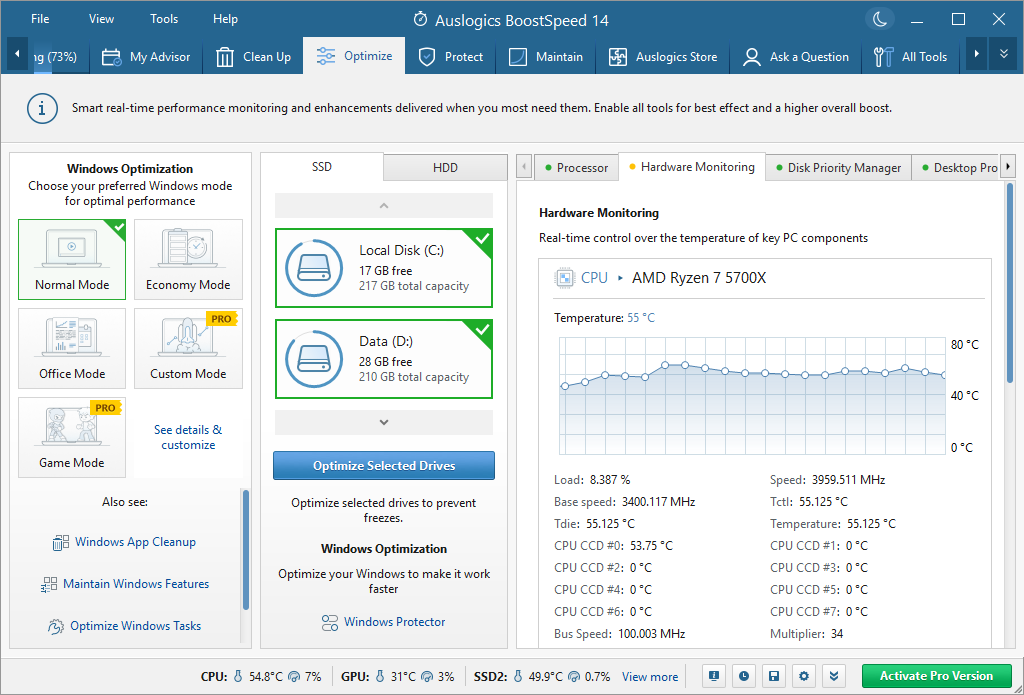
You'll also want to optimise your Windows services, and BoostSpeed 5 has the easiest way of doing this that we've seen. There's no browsing lengthy lists of possibilities, wondering what's safe to turn off - just choose a profile that best describes your PC ("Home computer with networking", say, or "Office computer") and the program will make the appropriate choices for you.

Nothing slows down a PC quite as much as a poorly optimised hard drive, but BoostSpeed 5 makes it easy to get your system back into shape. There are tools to remove junk and leftover files, clear your web, Windows and application histories, and explore your drive to see which folders are consuming the most space. Then the excellent Auslogics Disk Defrag will rearrange your files to deliver the best possible performance.

Of course there are also tools to clean up and then defragment the Registry. As well as a module to speed up your internet connection; you can tweak these settings manually, if you know what you're doing, or let BoostSpeed 5 handle the tricky decisions.

And you get plenty of useful bonus functions that aren't strictly performance-related at all, but they're all worth having so we're not about to complain. These include modules to undelete files, discover and fix hard drive problems, view system information, securely shred data, or wipe entire hard drives to make sure any personal data they contained has gone forever.

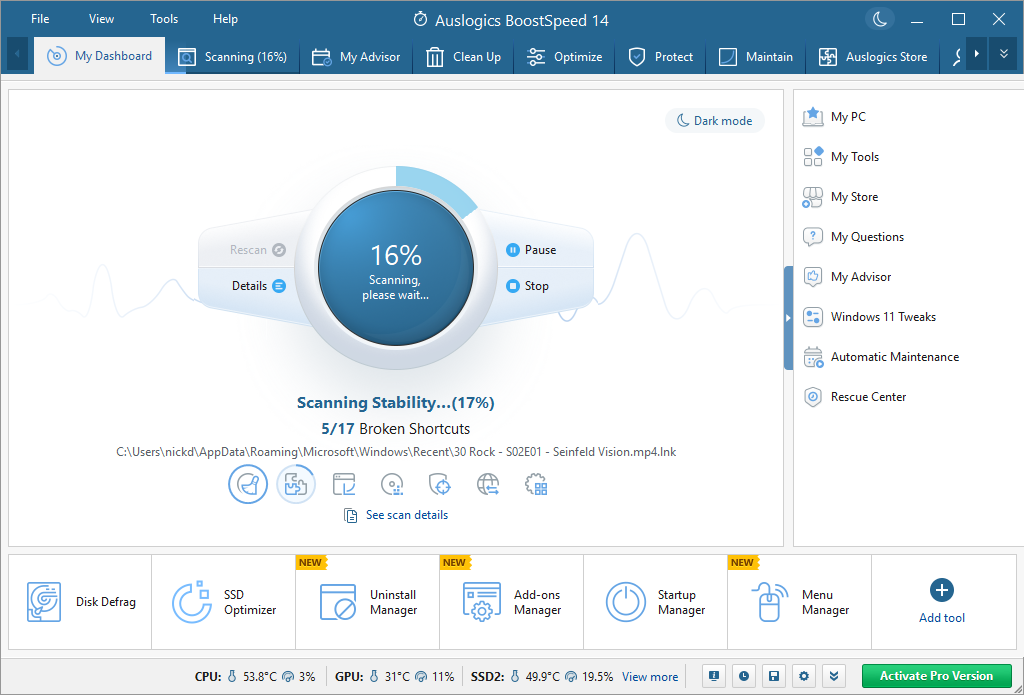
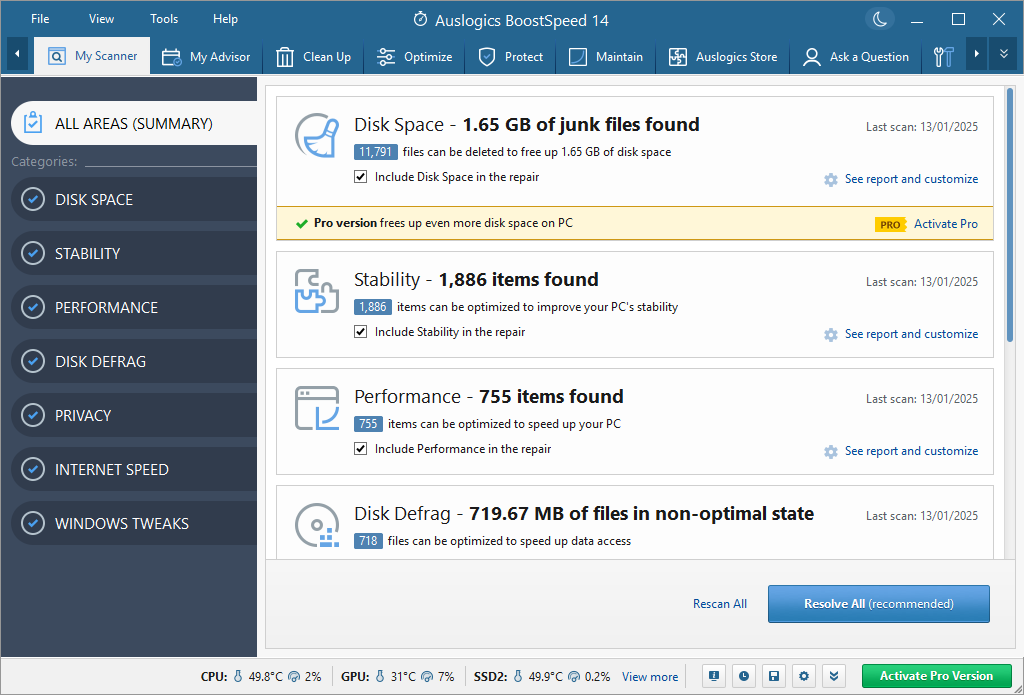
But if browsing all these modules sounds too much like hard work, don't worry, Auslogics have thought of that, too. Launch a System Scan and BoostSpeed 5 will automatically and quickly identify Registry problems, leftover hard drive junk, file fragmentation and more. Then you can have the program fix all these issues in just one click.

Auslogics BoostSpeed 5.4 is a major upgrade, with support for Windows 8, Internet Explorer 10.

Build 5.5.1.0 adds these changes:

- fixed several bugs
- corrected errors in language files

Verdict:

Auslogics BoostSpeed 5 is a professional suite of PC optimisation tools that comes packed with highly effective tweaking technologies. PC novices will appreciate the way BoostSpeed 5 will often choose the most appropriate settings at a click. But if you're a Windows expert, then don't worry, there are plenty of options for manual control, too. There's something for everyone here - go download the trial version immediately

Your Comments & Opinion
 
Related Download Articles
 
Avanquest SystemSuite 10 Professional

Avanquest SystemSuite 10 Professional

Trial Software

Secure, repair and optimise your computer with this all-in-one PC toolkit

Fix-It Utilities 10 Professional

Fix-It Utilities 10 Professional

Trial Software

Diagnose and fix PC problems, then clean, optimise and secure your system with this one-stop maintenance suite

TweakNow WinSecret

TweakNow WinSecret v4.2.7

Trial Software

Explore dozens of powerful windows tweaks and customisations from one straightforward program

SpeedUpMyPC 2013

Uniblue SpeedUpMyPC 2013 v5.3.6.0

Function Limited Demo

Automatically optimise, tweak and enhance your PCs performance in just a few clicks

iolo System Mechanic 11.7

iolo System Mechanic 11.7

Trial Software

Speed up, optimise and repair your computer with this all-in-one PC maintenance and tweaking tool

Other Download Articles From This Category
ConsoleHoster 3.8

ConsoleHoster 3.8

Open Source

Run multiple command line windows from a single tabbed interface

USB Drive Letter Manager

USB Drive Letter Manager 4.7.3.0

Free, for personal-use only

Take control over the drive letters assigned to your USB devices

USB Drive Letter Manager 4.7 (64-bit)

USB Drive Letter Manager 4.7.3.0 (64-bit)

Free, for personal-use only

Take control over the drive letters assigned to your USB devices

John's Background Switcher 4.7

John's Background Switcher 4.7.0.22

Freeware

Locate great new desktop backgrounds, and switch them automatically with this powerful free utility

From Softwarecrew

Please wait while my feed loads

See more posts...

Our Price: $14.95
RRP: $49.95
Saving 70%
Buy Now More Info
Offer Ends In:
 

Spotlight: Free Full Software

Ashampoo Burning Studio 2013 (v11.0.6)

Free Full Commercial Software

Ashampoo Burning Studio 2013 is a compact, simple, but surprisingly feature-packed disc burning suite.

The program makes it easy to create simple data discs and audio CDs, for instance: just drag and drop your files onto the list area and you'll be burning the finished disc in a couple of clicks.

That's just the start, though. Burning Studio 2013 can also create data discs with customised, interactive multi-page menus, perfect if you'd like a more professional way to share and present the disc contents.

A built-in backup tool allows you to create backups which may be encrypted, compressed, and span several CDs, DVDs and Blu-rays.

And there are modules to create VCD or SVCD video projects; burn video DVDs or Blu-ray discs from prepared folders; create, browse or burn disc images (ISO, CUE/ BIN and Ashdisc formats are supported); copy discs, erase them, design and print disc covers, labels and booklets, and more.

The focus throughout is on ease of use, though, and so Ashampoo Burning Studio 2013 remains very straightforward, whatever you're doing. Most disc projects are created via the same simple interface, and for the most part all you have to do is drag and drop the necessary files. But experts will find more advanced options are only a click away, and if you need to then you can set ISO and UDF version, enable Joliet, make a disc bootable and more.

Note the download here will take you to the Downloadcrew Software Store where you can download Burning Studio 2013.

[...]
Value:
Free
Rating: