


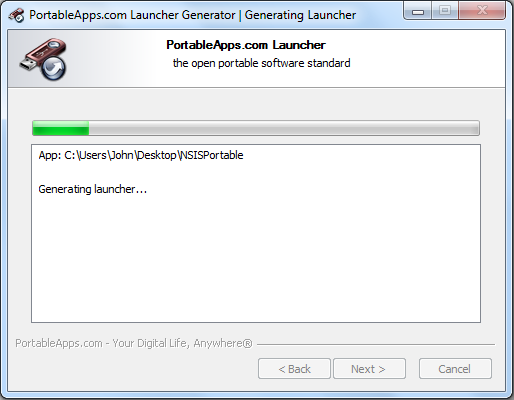
The PortableApps.com Launcher is an ingenious tool that can make many applications portable, so you can run them on a USB flash drive (for example), without altering their code.
Let's assume you only ever use a particular text editor, for instance. You'd like a portable version, so you can run it anywhere. But the program stores its settings in your Registry and various configuration files, so if you just copy your application to a USB drive then it'll simply stop working.
The PortableApps.com Launcher, however, can take account of these problems. It's able to insert the Registry entries you need, for instance; reconfigure settings in files; provide any required environment variables, and more.
This won't happen without serious work on your part, though. You'll need to inspect your target program, and browse the Registry to figure out any dependencies. The Launcher can't help at all if these are too severe. And then it'll be up to you to figure out how to tell the Launcher what it must do, something of a challenge right now as the documentation available is truly atrocious.
Still, if you're an experienced Windows user then it's still worth trying. The PortableApps.com Launcher can make many simple apps portable with just a few lines in an INI file, and there are a couple of examples in the manual to help you get started.
Verdict:
If you can figure out the dreadful documentation then the PortableApps.com Launcher will provide useful tools to help you make some of your favourite apps portable
Your Comments & Opinion
More powerful replacement for Windows' built in program removal tool
Chat to users across multiple networks using this messenger tool
Turn VirtualBox in to a standalone portable application
The latest stable Chrome Portable includes a number of under-the-hood improvements
The latest stable Chrome Portable includes a number of under-the-hood improvements
Easily monitor your GPU load, temperature, fan speed and more
Minor update to the popular email client, but with a limited number of new features
Tired of Firefox's rapid release schedule breaking extensions? Firefox ESR is here to help