


Go out and buy a new computer, turn it on for the first time and you’ll be amazed how quickly it boots and launches the installed applications. Your first thoughts will be that you were right to sell your old PC as this one is so much more speedy that you have become more productive.
Result? You settle in to your old habits of installing and testing software, removing them from your system and quickly misunderstanding that it’s the software that drives your computer, not the hardware. There’s little difference between a 1-year-old PC and a brand number computer. They all rely on the same element and that’s the operating system and installed applications.
After installing and removing software, then browsing the Internet for a few months, all sorts of temporary information is left strewn across your hard drive. Worse, the Registry, which is a database of information about your computer, is left with erroneous entries that point to long-deleted directories, link filetypes to applications that don’t exist and even attempt to launch startup applications that were removed from your machine.
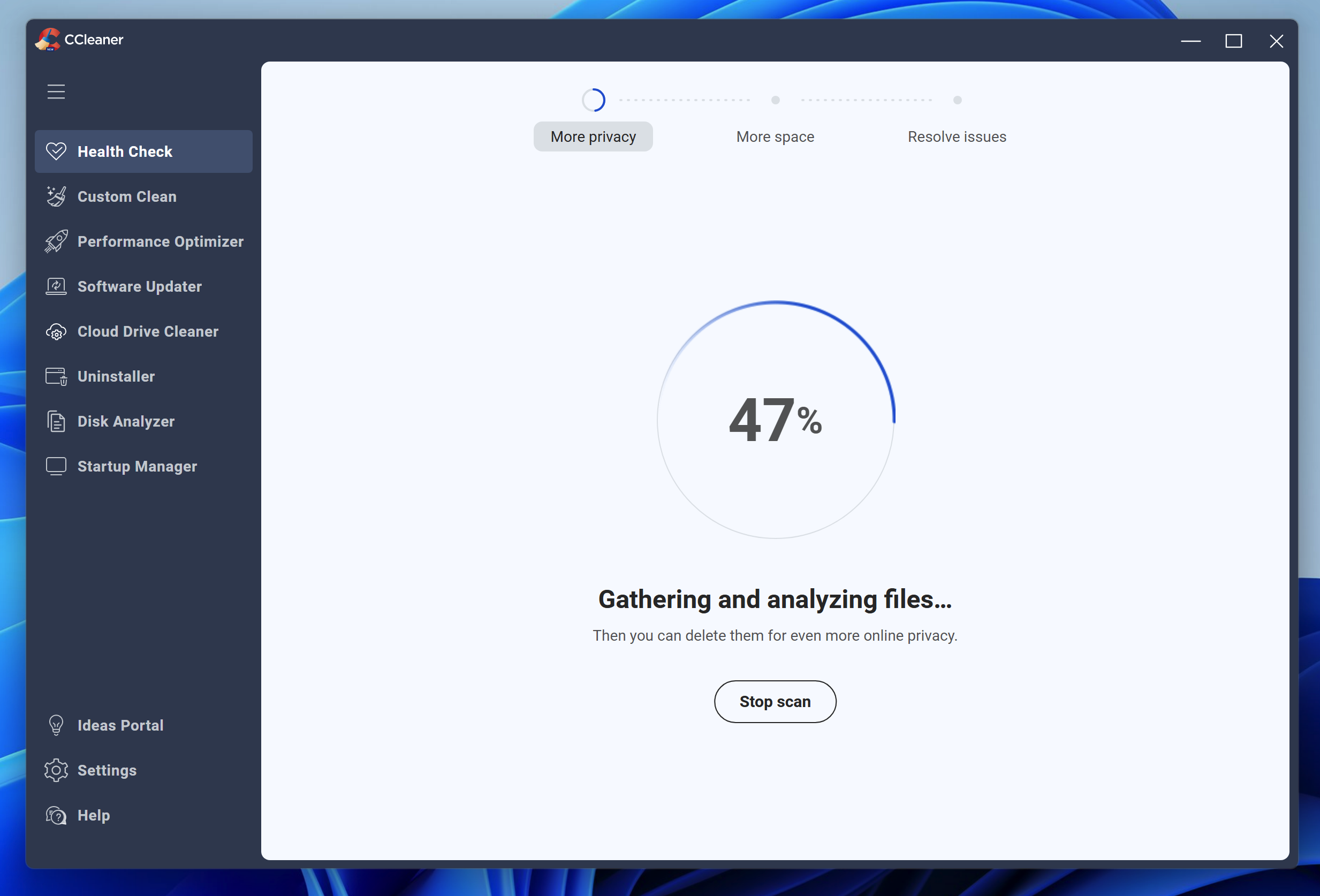
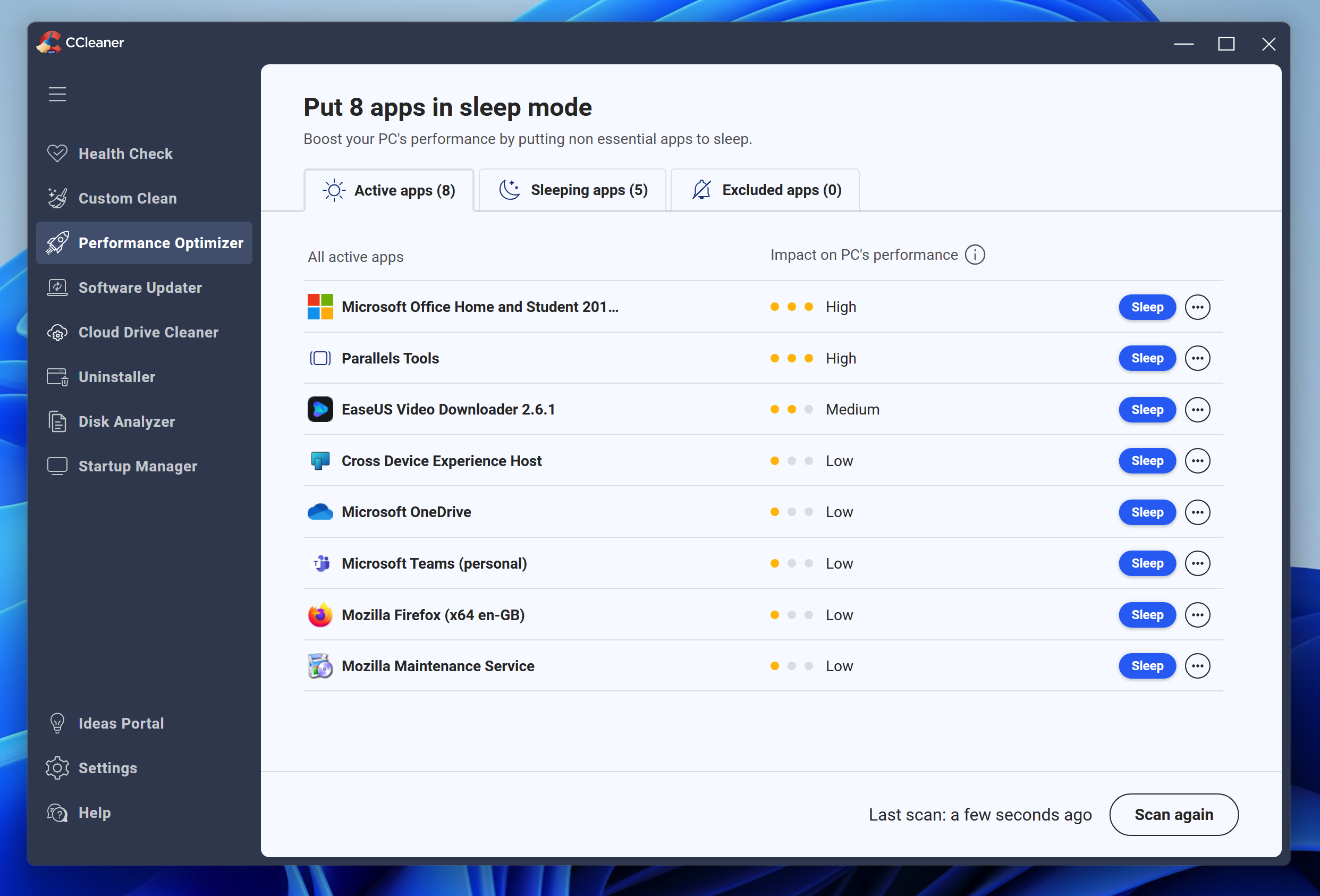
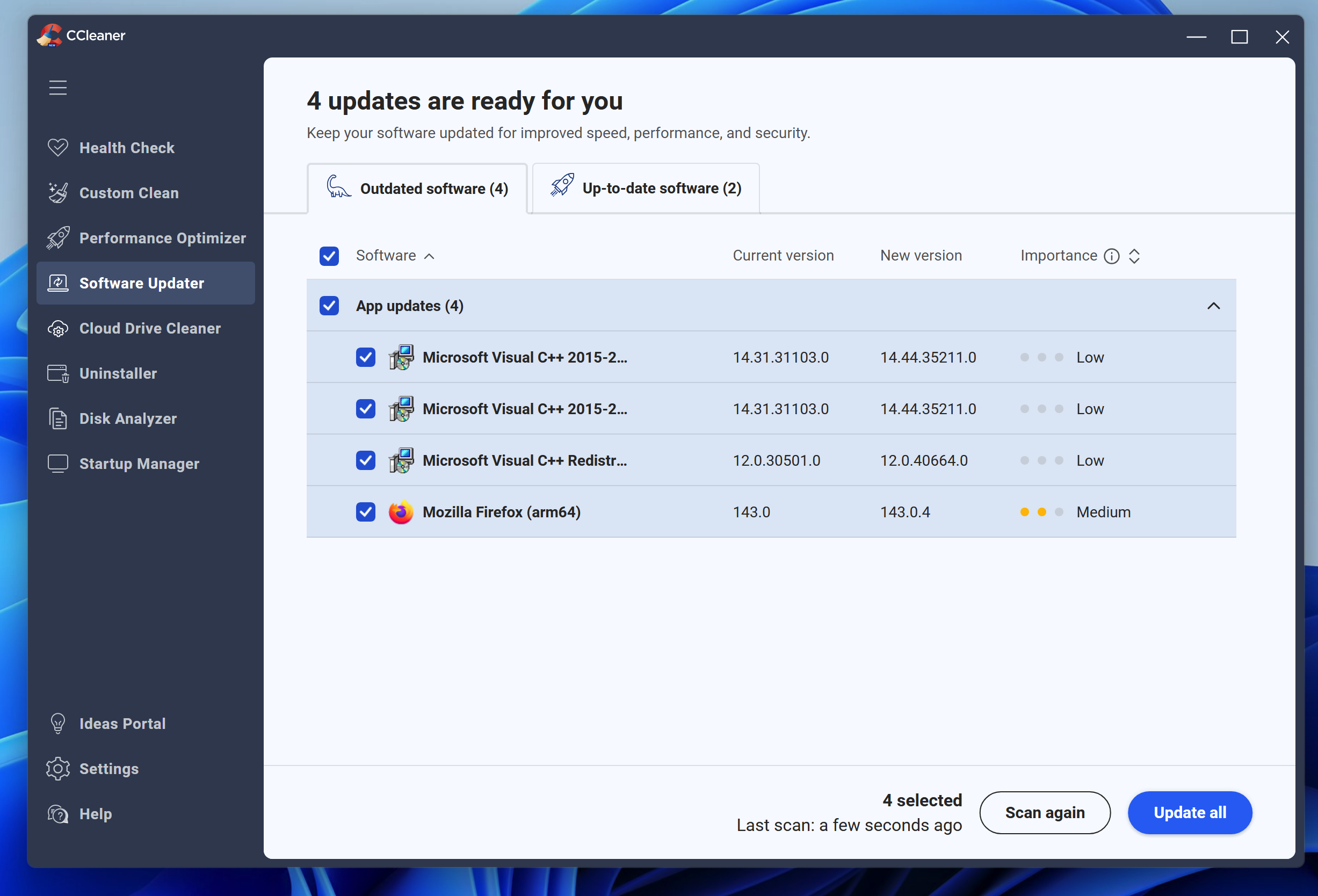
The answer is a system cleanser and there are few better tools than the free CCleaner. This tool will remove unwanted information, temporary files, your browsing history, huge log files and even the settings left behind by previously installed software. It also includes a Software Updater, whcih will check against an online database and let you know when new versions are available.
CCleaner doesn’t stop there. It includes some security tools such as a Cloud Drive Cleaner so you can make sure files and information are completely and securely removed from your cloud storage.
Verdict:
You can't get much better than this free optimisation tool, that will give your system a boost
Your Comments & Opinion
The long version of the name details perfectly what the program does: cleans your PC of various crap it picks up on it's daily journey, regardless of whether you use the internet or not. All kinds of things end up cluttering your PC, from Temporary Internet Files to the Recycle Bin to cookies, the list goes on. CCleaner, with 2 clicks of the mouse, will clear all that stuff out.
A further helpfull thing they've included, at some stage in the last 4 or 5 years I think, is a very good Uninstall facility. It generates a list of all programs installed on your PC, and will launch the uninstaller for any program you choose - and it's much faster than using the Add/Remove Programs tab in Control Panel.
A quick tip - I don't know how good the Registry cleanup utility in CCleaner is, but it will back up any changes it makes beforehand anyway. Once again, how good it is compared to other products on the market is open to conjecture, but it's never given me any dramas in the last 10 years.
From me, 5 stars.
You can say no, but after install... Go to Hkey_current_user/software. and you can find Yahoo partner tool !
Quickly scan a drive or memory card for lost and delete files, then recover the data
Give your system a speed boost by optimising its Registry
A free tune-up utility to maintain the performance of Windows
Keep the contents of folders synchronised for backup purposes
Keep the contents of folders synchronised for backup purposes
Keep the contents of folders synchronised for backup purposes
Preserve your desktop icon layout with this handy backup tool