From Twitter

Please wait while my tweets load

If you can't wait - jump to Twitter

See more tweets...

RSS Feed

Please wait while my feed loads

See more posts...

Newsletter

Subscribe to either one of our two newsletters for regular updates and information

Downloads newsletter

This is a weekly newsletter with download news, updates and other information

This is a monthly newsletter with software store information, offers and deals

VirtualBox 4.1.14

Host a virtual operating system

by Mike Williams

Our Rating:
Your Rating:
Login to rate
Based on 1 ratings
License: Open Source
Operating Systems: Linux, Mac OS X, Windows 7 (32 bit), Windows 7 (64 bit), Windows Vista (32 bit), Windows Vista (64 bit), Windows XP
Requirements:

Microsoft .NET Framework 3.5 or higher

Languages: English, French, German
Software Cost: Free
Date Updated: 26 April 2012
Watchlist: Add download to my watchlist
Downloads To Date: 10833
Developer: Oracle
RSS News Feed: http://twitter.com/statuses/user_timeline/19060341.rss
Twitter Feed: http://twitter.com/Virtualbox
Buy TuneUp Utilities 2012 for only $18.99, with lifetime license, saving 62% from MSRP, only from store.downloadcrew.com
VirtualBox 4.1.14
Use a virtual operating system on your computer

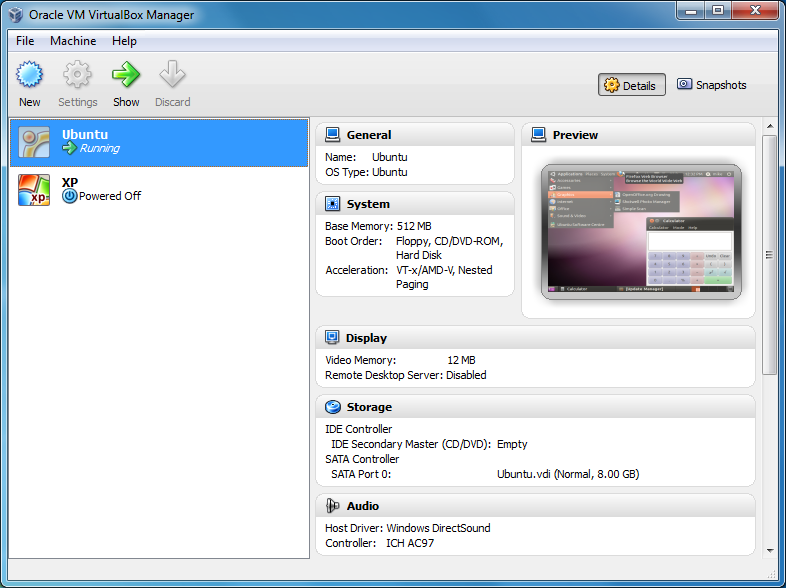
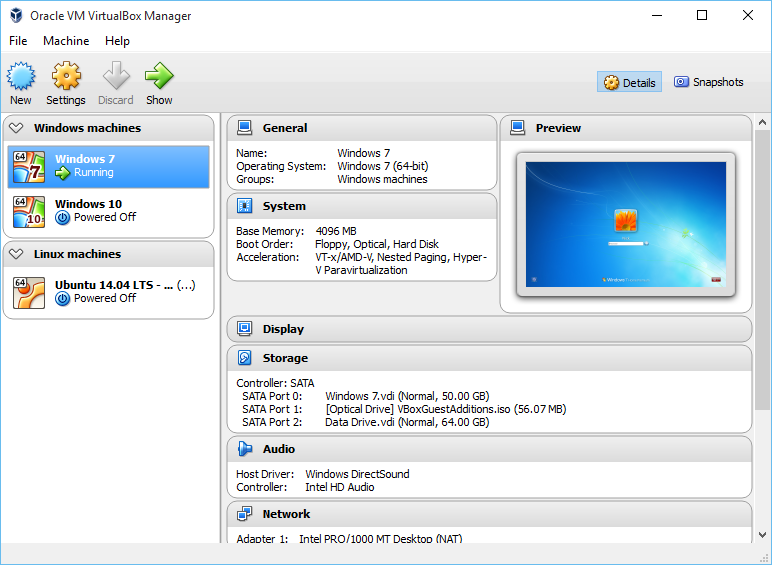
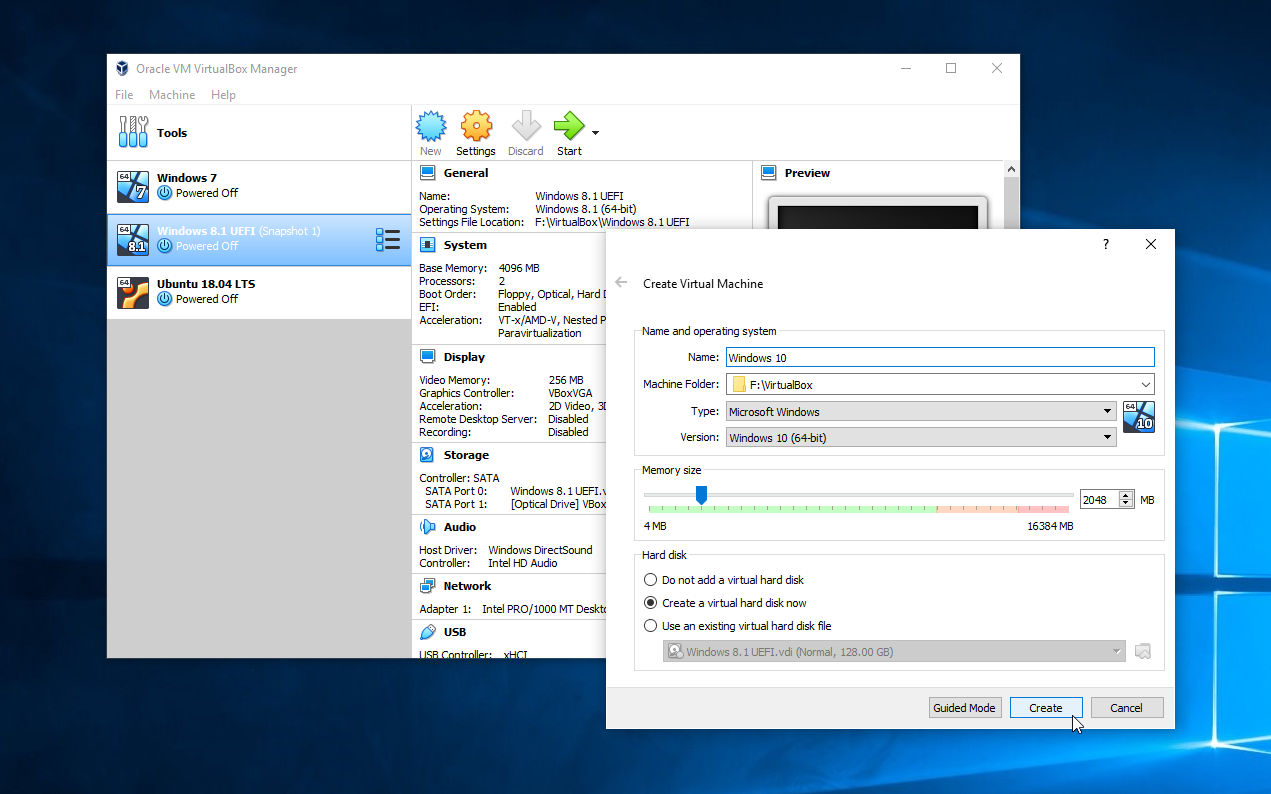
Oracle VM VirtualBox is an industrial-strength open source virtualisation tool that makes it easy to create virtual machines (VMs), simulated computers that run on your PC but act as though they were separate systems. It's a powerful capability that has many different applications.

If you'd like a closer look at Windows 7 before you upgrade, for instance, then you could install Microsoft's latest in a VM, then access it in a window on your XP or Vista desktop.

Or maybe you've upgraded to Windows 7 and find a favourite old app doesn't work any more? Create a Windows XP VM and you might be able to run it again.

VirtualBox can also be a useful security tool: if you download and test apps in a VM, then any malware you might encounter will be isolated from your main system.

And it's the perfect choice if you want to try out another operating system with the minimum of hassle. Right now you can install Google Chrome OS, all the mainstream Linux variants (2.4 and 2.6), OpenBSD, OS/2, ReactOS, SkyOS, DOS, and just about every version of Windows there's ever been. (Of course you'll need to have the system discs to hand.)

New additions to VirtualBox 4 include an interface redesign, making it easier to view and manage your virtual machines. VM displays can now be scaled, so you can reduce a window size by half (for instance) and still see everything that's going on. The ability to limit a VM's CPU and IO time means the program will be less of a drain on your system's resources, and there are a host of other performance optimisations and bug fixes available.

Build 4.1.14 brings these changes:

Network: fixed the problem with packets larger than MTU-4 when PCnet or PRO/1000 was bridged to certain types of adapters on OS X hosts (bug #3783)
NAT: fixed a segfault under rare circumstances
3D Support: fixed Windows WDDM video driver crash for SMP guests (bugs #10200, #10331)
Windows Guest Additions, VRDP: fixed occasional text corruption (bug #3001)

Verdict:

This professional quality virtualization package must be one of the most powerful open source tools around

Your Comments & Opinion
 

Concering "Virtually nothing"

Posted by: Curt Folstrom, 22 January 2012 18:14

Well, if you had really read what Virtialbox was used for, you wouln't have wasted your time. Its difficult to see how you mistook a an operating system virtualisation tool for a cd / dvd rom emulator.

Virtually nothing

Posted by: Ed Cornish, 28 December 2011 19:00

Downloaded and installed this as a replacemnt
for Daemon Lite. Wish I hadn't - Ive wasted a lot of time trying to figure out how to use it. No simple straightforward instructions - all I want to do is mount an iso file! The usual FAQ section from a software developer who wants you to do all the hard work! I'd be REALLY peeved if I had paid for this!

Related Download Articles
 
VMware Fusion 4.1.2

VMware Fusion 4.1.2

Trial Software

Run a virtual operating system on your Mac

VMware Player 4.0.3

VMware Player 4.0.3

Freeware

Test virtual operating systems

VMware Workstation 8.0.3

VMware Workstation 8.0.3

Trial Software

Host and run a virtual operating system on your computer

Parallels Desktop for Mac 7

Parallels Desktop for Mac 7.0.14920

Trial Software

Run another operating system, seamlessly, on your Mac

Other Download Articles From This Category
SUMo

SUMo 3.1.0.154

Freeware

Quickly discover which of your favourite programs have updates available

Toolwiz FlipBook 1.4.0.0

Toolwiz FlipBook 1.4.0.0

Freeware

Easily turn any text file into a stand-alone 3D ebook

Auslogics Disk Defrag 3.4.3.0

Auslogics Disk Defrag 3.4.3.0

Free, for personal-use only

Keep your hard drive in top condition with this powerful disk defragmentation tool

Auslogics BoostSpeed 5.3.0.0

Auslogics BoostSpeed 5.3.0.0

Trial Software

Clean, optimise, tune and tweak your PC to deliver its best possible performance

From Softwarecrew

Please wait while my feed loads

See more posts...

Our Price: $9.99
RRP: $39.99
Saving 75%
Buy Now More Info
Offer Ends In:
 

Spotlight: Free Full Software

Giveaway: WinISO Standard 6.1.0

Free Full Commercial Software

WinISO is a very comprehensive tool which provides everything you need to create, edit and convert disc images.

If you've an image file already, for instance (ISO, CUE/ BIN, NRG, MDF, CCD, IMG and DVD formats are supported) then you can open it in a click or two, browse the image contents, and extract the files you need with a quick drag and drop.

It's just as easy to create new ISO9660, UDF, even HFS+ images. Just choose the option you need, then either manually build up your preferred file and folder structure; drag and drop your files and folders from Explorer onto the program; or create an image directly from a CD, DVD or Blu-ray disc.

Of course you can edit images, too. Is an ISO file too large for your needs, say? Open it up, locate and remove any surplus files to free up a little space.

WinISO program has full support for reading and creating bootable image files. A simple conversion tool makes it easy to convert disc images into the format you need. And the program can even mount ISO files as Explorer files, or burn images to disc when you're ready to save them.

Please note, this trial version of WinISO Standard will not save files greater than 500MB in size.

Giveaway: on Wednesday, we're giving you the full current version of WinISO Standard 6 worth $29.95. The download link here will take you to Downloadcrew Giveaway.

[...]
Time Remaining: