


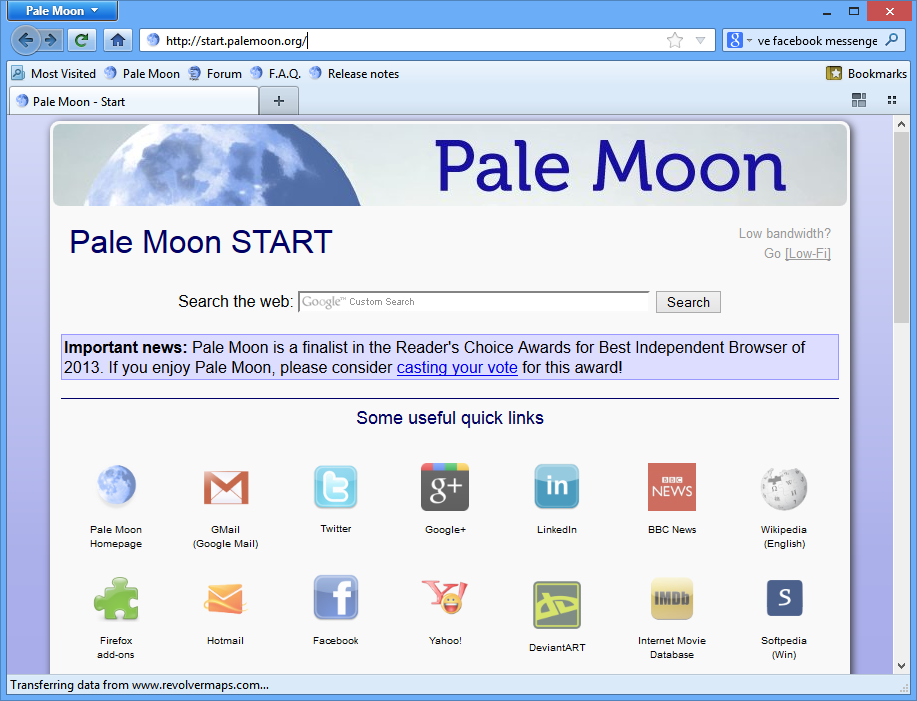
Pale Moon is a customised version of Firefox, which has been carefully optimised for speed and efficiency.
The program has been made more lightweight, for instance, by stripping out little-used components like the accessibility features, and the parental controls. The crash report has also been stripped out, as it's designed to work with server-side technology that isn't available on palemoon.org. And Pale Moon also drops support for Internet Explorer's ActiveX and ActiveX scripting technology, which also offers a security benefit as it means the browser can't be infected by malicious ActiveX controls.
Other optimisations are more technical. In particular, Firefox is compiled with the most conservative of settings, to ensure that it'll run on even ancient CPUs. Pale Moon, though, is optimised to take full advantage of modern processors, and this can give it a huge advantage over Firefox in some areas.
So how much faster can the browser be? That's a tricky question, as performance varies greatly depending on what's being tested.
The browser does have one potential down side, in that it may be incompatible with some extensions. If they've assumed that the browser's program name is firefox.exe, say, or they're using components that Pale Moon has stripped out, like the Parental Controls, then you'll probably find they don't work.
This is rare, though - more extensions install and run just fine. Trying out Pale Moon also gets you access to useful extras, like the Language Packs (you can now run the program in more than 70 languages), a portable edition, and a 64-bit version. And as you can install and run both Pale Moon and Firefox together on the same system, the program is really easy to evaluate. So if any of this sounds right for you, then give Pale Moon a try, and see how much faster it might be on your system.
Note that this is the x64 (64-bit) version of Pale Moon.
Verdict:
Proving that open source leads to great development, Pale Moon takes the already decent Firefox web browser and makes it even better and faster.
Your Comments & Opinion
Yay!
The only concerns I have are what may heppen now that the developer [that's a single entity] may not be able to develop at a high enough rate, since he is steering away from Firefox altogether. It means no threat of Australis sneaking in, but could mean that new features which are helpful come with the speed of molasses.
Cautiously optimistic!
I was reluctant to backup and move all my bookmarks, passwords, add-ons, search engines, settings and so on to Pale Moon manually, but then there is a convenient software that does it for you in 2 clicks, and of course available at Pale Moon's home page.
Since I've been using this source code twin of Firefox, my browsing life clearly changed. PM is lighter than FF, since it is optimized for recent generation computers. My RAM is fully available for it (8GB) and the quad core processor goes along well.
I really recommend this software as a plain alternative to FF, which politic and too many downsides I don't understand anymore. Thanks to PM's team for enhancing my digital life. Definitely my 2011/2012 crush.
Speed-optimized 64-bit version of Firefox portable designed for the best possible performance
A full screen, cross platform browser-based shell that could replace your OS
Minor update to the popular email client, but with a limited number of new features
Minor update to the popular email client, but with a limited number of new features
Minor update to the popular email client, but with a limited number of new features
Minor update to the popular email client, but with a limited number of new features
Take your favorite web browser on the road