
From Twitter

Please wait while my tweets load

If you can't wait - jump to Twitter

See more tweets...

RSS Feed

Please wait while my feed loads

See more posts...

Newsletter

Subscribe to either one of our two newsletters for regular updates and information

Downloads newsletter

This is a weekly newsletter with download news, updates and other information

This is a monthly newsletter with software store information, offers and deals

Firefox Metro UI Preview (21.0a1)

Get an early glimpse of Firefox’s Metro-friendly browser for Windows 8

by Nick Peers

Our Rating:
Your Rating:
Login to rate
Based on 0 ratings
License: Open Source
Operating Systems: Windows 8
Requirements:

 1366x768 display or better

Languages: English
Software Cost: Free
Date Updated: 15 February 2013
Watchlist: Add download to my watchlist
Downloads To Date: 13591
Developer: Mozilla (Firefox Nightly)
RSS News Feed: http://blog.mozilla.com/about_mozilla/feed/
Twitter Feed: http://twitter.com/firefox
Facebook: http://www.facebook.com/Firefox
Buy the new TuneUp Utilities 2013 for only $16.95, with lifetime license, saving 58% from MSRP, only from store.downloadcrew.com
Firefox Metro UI Preview
The new Firefox Metro UI shows glimpses of what it will become, but is a long way from finished.

Running Firefox in Windows 8’s new tile-based user interface has been a long-time goal for Mozilla, and the fruits of that labour can now be seen when installing this special Nightly build of Firefox, codenamed “Elm”.

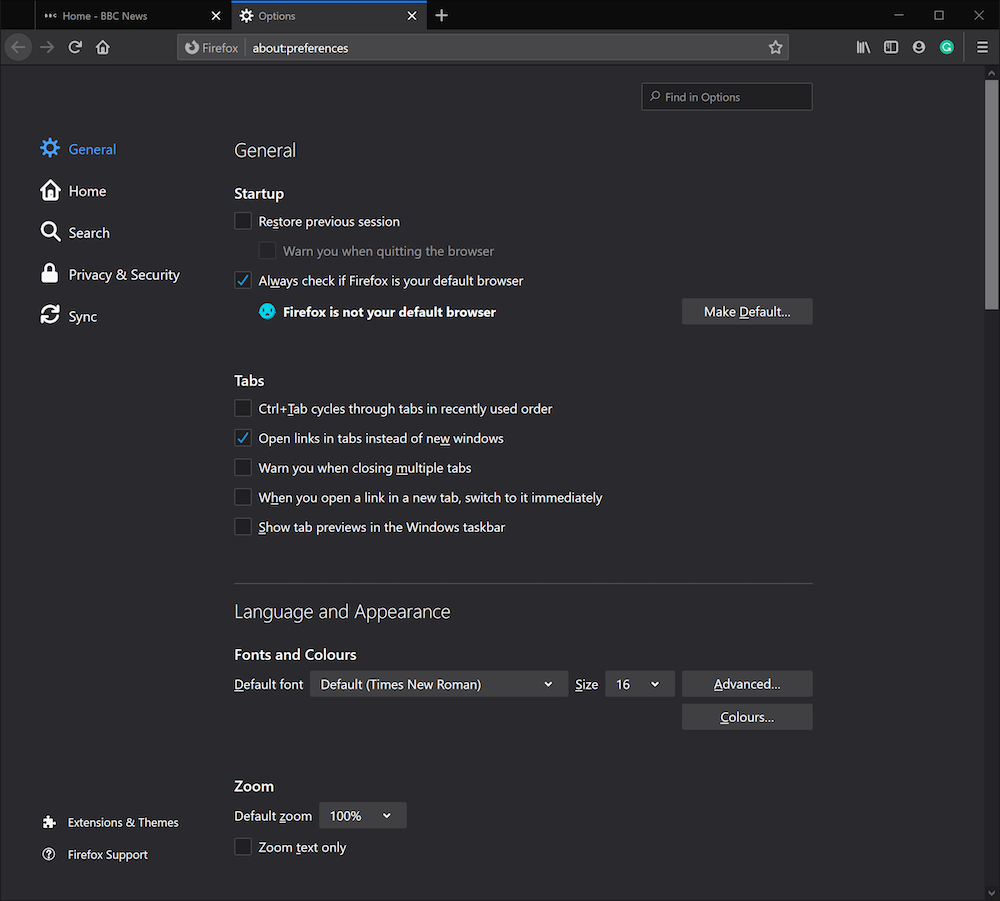
The build effectively installs two versions of Firefox, the “classic” desktop version, and the metro browser. The latter is of most interest here, and in order for users to access it, you’ll need to make Firefox the default browser, plus assign any defaults to it when prompted – typically after first launching it.

Once done, return to the Start screen and you should see a Firefox Nightly tile appear in the list – clicking this launches the Metro UI version of the browser and allows you to preview it. At this early stage in its development, navigation is awkward – and some sections seem to require access to a touch screen.

Nightly must be set as your default browser for the tile to appear in your Windows 8 Start screen.

With a lack of documentation - you'll need to wade through the Mozilla Wiki to find out that permanently showing thumbnail previews of all open tabs requires swiping down from a narrow corner on the top left of the screen, for example - it's clearly nowhere near ready for the mainstream. Nevertheless, it's clear why Mozilla is happy to provide a public download because ultimately the browser - however clunky - does ultimately work. Even so, unless you're Mr Nosey, you might find waiting for the Metro interface work to complete and be integrated into the main Firefox build before taking it on an extensive test drive is a better option.

This Nightly build will install alongside any alpha, beta or stable version of Firefox, but will install over the top of another Nightly build. As this is code hot off Mozilla’s presses, it’s untested and therefore both unfinished and extremely unstable.

Verdict:

Worth checking out if you’re running Windows 8 and are impatient to see how Firefox will look when running as a tile-based app, otherwise, leave well alone and wait.

Your Comments & Opinion
 
Related Download Articles
 
Firefox 21 FINAL

Firefox 21 FINAL

Open Source

Firefox 21 adds an application startup time advisor and a Health Report

Ghostery for Safari

Ghostery for Safari 1.3

Freeware

Discover the web sites that track you and then take back control

Modify Headers for Firefox

Modify Headers for Firefox 0.7.1

Freeware

Control the information your browser sends to web sites

Pulmon 2.0

Pulmon 2.0

Freeware

Quickly and easily get the new Windows 8 Metro look on your PC 

Other Download Articles From This Category
NetDrive 1.3.4

NetDrive 1.3.4

Free, for personal-use only

Access remote storage locations through Explorer just like a local hard drive

Lunascape 6.8.5

Lunascape 6.8.5

Freeware

Get the best of IE, Firefox and Chrome in a single browser

BitTorrent Surf

BitTorrent Surf (Beta) for Chrome 0.7.53

Freeware

Download torrents from your browser without the need for a client

BitTorrent Surf

BitTorrent Surf (Beta) for Firefox 0.7.55

Freeware

Download torrents from your browser without the need for a client

From Softwarecrew

Please wait while my feed loads

See more posts...


Spotlight: Free Full Software

Ashampoo Burning Studio 2013 (v11.0.6)

Free Full Commercial Software

Ashampoo Burning Studio 2013 is a compact, simple, but surprisingly feature-packed disc burning suite.

The program makes it easy to create simple data discs and audio CDs, for instance: just drag and drop your files onto the list area and you'll be burning the finished disc in a couple of clicks.

That's just the start, though. Burning Studio 2013 can also create data discs with customised, interactive multi-page menus, perfect if you'd like a more professional way to share and present the disc contents.

A built-in backup tool allows you to create backups which may be encrypted, compressed, and span several CDs, DVDs and Blu-rays.

And there are modules to create VCD or SVCD video projects; burn video DVDs or Blu-ray discs from prepared folders; create, browse or burn disc images (ISO, CUE/ BIN and Ashdisc formats are supported); copy discs, erase them, design and print disc covers, labels and booklets, and more.

The focus throughout is on ease of use, though, and so Ashampoo Burning Studio 2013 remains very straightforward, whatever you're doing. Most disc projects are created via the same simple interface, and for the most part all you have to do is drag and drop the necessary files. But experts will find more advanced options are only a click away, and if you need to then you can set ISO and UDF version, enable Joliet, make a disc bootable and more.

Note the download here will take you to the Downloadcrew Software Store where you can download Burning Studio 2013.

[...]
Value:
Free
Rating: